EasyManua.ls Logo

Fellowes Helios 60 - User Manual

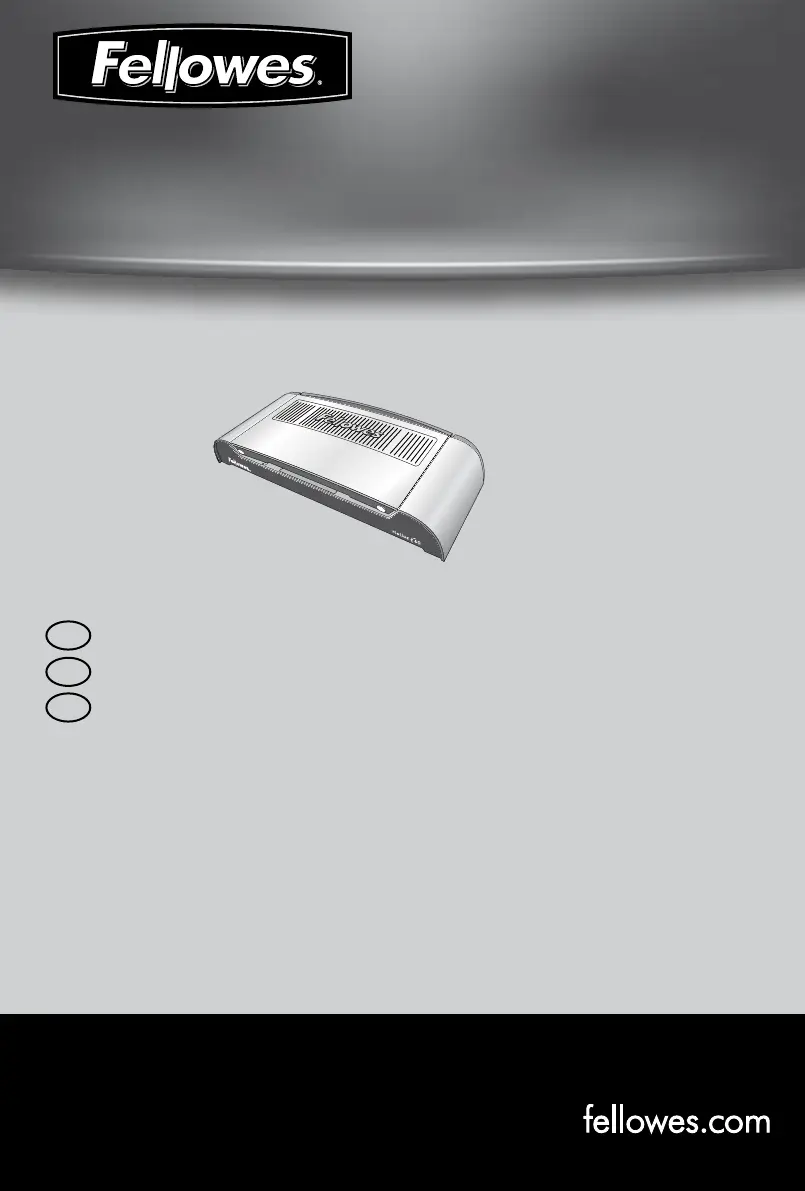
Fellowes Helios 60
8 pages
Print Icon
To Next Page IconTo Next Page
Loading...
Performance Thermal Binder
Helios 60
TM
Please read these instructions before use.
Lire ces instructions avant utilisation.
Lea estas instrucciones antes de usar la máquina.
F
E
S

Other manuals for Fellowes Helios 60

Questions and Answers

  • N
    Nicholas WrightAug 12, 2025
    What to do if sheets are loose and glued in my Fellowes Helios 60?
    • M
      Michael HansenAug 12, 2025
      If the sheets are loose but glued in your Fellowes Binding Machine, it might be because the cover is too small for the number of sheets you're trying to bind. Double-check that the number of sheets matches the recommended cover width, and switch to a larger spine if needed. Also, make sure the timer setting is correct and promptly remove the document after processing to avoid an extended heating cycle.
  • W
    wpatrickAug 16, 2025
    Why are sheets loose and unglued in my Fellowes Helios 60 Binding Machine?
    • M
      Mario SmithAug 16, 2025
      If the sheets are loose and unglued after using the Fellowes Binding Machine, it could be due to a couple of reasons. First, the binding cover might be too thick. To resolve this, process the documents again, making sure the sheets are in contact with the glued spine by gently tapping on a flat surface. Also, the timer setting may be incorrect, so check that and process the document again.
  • R
    Robert SmithAug 20, 2025
    How to fix a Fellowes Binding Machine with no red power LED?
    • R
      Ronald FranklinAug 20, 2025
      If the red power LED on your Fellowes Binding Machine isn't lighting up, the first thing to check is whether the machine is switched on. Make sure it's turned on at the rear switch next to the plug inlet and also at the wall socket.
  • M
    marc03Aug 25, 2025
    What to do if no green ready light appears on my Fellowes Binding Machine?
    • W
      Willie JacksonAug 25, 2025
      If the green ready light on your Fellowes Binding Machine doesn't appear after a long time, it might be because the machine is in a hot or humid environment. Try moving it to a cooler, drier area.
  • C
    Christopher ChavezAug 27, 2025
    Why is there no ‘red’ power on LED on my Fellowes Helios 60 Binding Machine?
    • A
      Ann HortonAug 27, 2025
      If the 'red' power LED is not illuminated on your Fellowes Binding Machine, the machine is not switched on. To resolve this, switch on the machine at the rear next to the plug inlet and at the wall socket.
  • J
    Jill ChangAug 31, 2025
    What to do if no ‘green’ ready light appears on Fellowes Helios 60 Binding Machine?
    • D
      David McgrathAug 31, 2025
      If the 'green' ready light does not appear after a long period on your Fellowes Binding Machine, the machine might be in a hot or humid area. Move the machine to a cooler and dry area to resolve this.
  • J
    Jaime CainSep 4, 2025
    Why are sheets loose and unglued after using my Fellowes Helios 60?
    • B
      brandon12Sep 4, 2025
      If you're finding that the sheets are loose and unglued after using your Fellowes Binding Machine, it could be due to a couple of reasons. Firstly, the binding cover might be too thick for the machine to properly bind. Try processing the documents again, making sure the sheets are in contact with the glued spine by gently tapping on a flat surface. Secondly, the timer setting might be off. Double-check that it's set correctly and then process the document again.
  • M
    matthew87Sep 8, 2025
    What to do if Fellowes Binding Machine sheets are loose and glued?
    • D
      Diana ButlerSep 8, 2025
      If you find that the sheets are loose and glued after binding with your Fellowes Binding Machine, there might be a few reasons: * The cover size may be too small for the number of sheets. Check that the number of sheets is appropriate for the cover width and select a larger spine width if necessary. * The heating cycle may have been extended. Ensure you promptly remove documents and verify the timer setting is correct.

Summary

Binding Machine Controls Overview

Quick Start Guide

Step-by-step visual guide for operating the binding machine.

Product Capabilities and Specifications

Capabilities and Technical Data

Details the performance specifications and technical data of the binding machine.

Important Safety Instructions

Crucial safety precautions and warnings for using the binding machine.

Storage and Cleaning Guidelines

Instructions on how to properly store and clean the binding machine.

Machine Features and Operation

Binding Machine Controls Explained

Explains the function of each control and indicator on the binding machine.

Features and Usage Tips

Describes key features like System-Check, Thermo Sense, Heat-Shield, and Auto-Off.

Binding Process and Support

Before Binding Procedures

Essential steps to prepare the machine and documents before starting the binding process.

How to Bind Documents

Step-by-step instructions on how to perform the binding process with the machine.

Need Help Section

Information on how to get customer support and contact Fellowes for assistance.

Troubleshooting and Product Information

Troubleshooting Guide

Common problems, their possible causes, and solutions for the binding machine.

Worldwide Warranty Details

Details the terms and conditions of the product's warranty.

Product Registration Information

Instructions on how to register the product for benefits and updates.

Regulatory and Contact Information

Useful Phone Numbers

Contact phone numbers for Fellowes customer support in various countries.

FCC Class B Notice

Regulatory compliance notice regarding FCC Class B digital device standards.

Canada Class B Notice

Regulatory compliance notice for Canadian Class B digital apparatus.

Modifications Warning

Warning against unauthorized modifications to the device.

Fellowes Helios 60 Specifications

General IconGeneral
Product colorPlatinum
Audible alarm(s)Yes
Binding capacity600 sheets
Weight and Dimensions IconWeight and Dimensions
Dimensions (WxDxH)571.5 x 146.1 x 323.9 mm

Related product manuals