3
INSTALL OPTION 1 - CLAMPS
STEP 1
Unboxing
• Open box from the top.
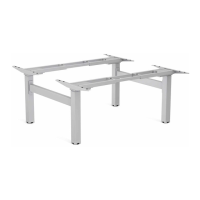
• Ensure levers on base are in the upright position.
• Fold out legs until they click. WARNING: Pinch Point! Keep hands
and objects clear when lifting legs.
• Lock legs into place by pushing down on levers.
• Optional: If legs need to be folded, ensure lever is in the upright position
and power is unplugged. Pull out pin and carefully guide legs to folded
position.
• Using two people, flip the base upright.
• The base arrives adjusted for 1600mm (63”) wide tables. If your table is
not 1600mm (63”) wide you will need to adjust the base width 1219mm
– 1829mm (48” – 72”). See step 1B, otherwise move on to step 2.
STEP 1B - Only required if table is not 1600mm (63”) wide
Adjust the cross channels to their final lengths
• Using two people, place table face down on a soft, clean surface and place
base on table.
• Use the 5mm Allen key to loosen the (8) set screws on the inward side of the
cross channels.
• Expand or contract the cross channels until flush with both ends of the desk.
Free cables as necessary to allow the frame to adjust.
• Once properly adjusted, use the 5mm Allen key to re-tighten the set screws
(8 total).
• Using two people, flip the base only upright.


 To Next Page