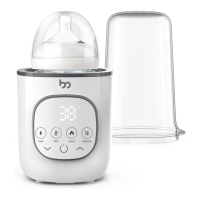
support@femometerfamily.com
0706
Sterilize function
24H Keep Warm
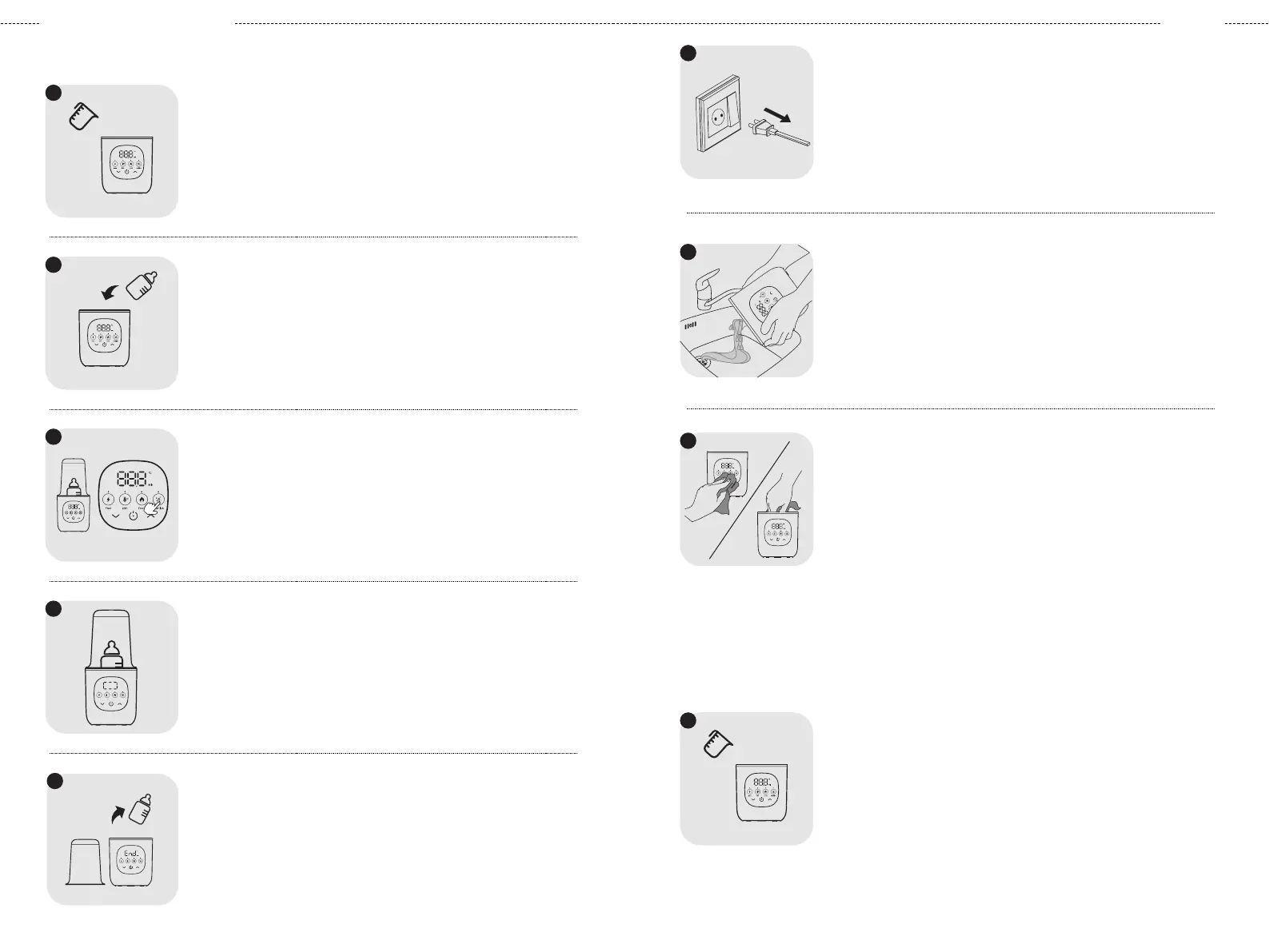
Add 30 ml of puried water to the appliance. Avoid using tap
water as it produces limescale quickly.
Add 80 ml of puried water to the appliance. Avoid using tap
water as it produces limescale quickly.
Place the items to be sterilized on the anti-scald basket and
close the lid.
Press the "Switch" button and "Sterilize" button to enter the
sterilization function. The screen will blink 3 times and the device will
begin operating.
The screen will display the progress of the sterilization process.
1
1
2
3
4
After about 10 minutes, the device will stop automatically. Open the
lid and carefully remove the sterilized items.
24h
Fast 24HF ood Sterilize
5
24h
Fast 24HF oodS terilize
24h
Fast 24H Food Sterilize
Disconnect the appliance from the power source.
Pour out the water from the appliance.
Wipe the control panel and heating disc with a clean rag, then
store the appliance for future use.
6
2
4
h
F
a
s
t
2
4
H
F
o
o
d
S
t
e
r
i
l
i
z
e
7
8
English
Add Water:
Unplug:
Drain Water:
Clean and Store:
Add Water:
Place Items
:
Activate Sterilization:
Monitor Process:
Completion:
Fast 24 Sterilize
Food
Fast 24 Sterilize
Food
24h
24h


 To Next Page
 Loading...