5
OPERATION:
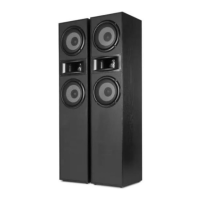
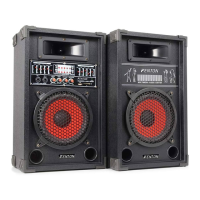
Connect the passive speaker with the delivered speaker cable to the speaker output connector (16).
WARNING: connect the supplied passive speaker on the speaker output terminal only!
If required connect an external signal source like a CD-layer to LINE IN. Connect the device with an electric outlet
(230VAC / 50Hz)
LINE INPUT (DVD, CD-player etc.):
1. Connect the source (DVD-player, CD-player etc.) to the line input (15) on the rear panel.
2. Select by pressing input selector switch (2) LINE mode.
USB/SD:
1. Insert an USB (9) or SD device (10).
2. Push the input selector (4) to USB / SD mode.
3. Press PLAY button, MP3 begin to play.
MICROPHONE:
1. Insert the microphone to the MIC1 or MIC2 jack (4).
2. Adjust the MIC volume (7).
3. Adjust the echo (6) and delay (5) control.
BT
1. Press input button (11) until the LED indicator will flashing fast.
2. Make connection between your BT-device and speaker.
3. When LED indicator flash slowly the BT connection is paired.
Volume control can be adjusted with the master VOLUME (8). Make sure that when you turn on the active
speaker's volume control is minimal. Adjust the Equalizer (1+3) to get the right sound.
TROUBLE SHOOTING


 To Next Page