7
EN
with another and as a preliminary assessment of
exposure to vibration when using the tool for the
applications mentioned.
different or poorly maintained accessories,
may significantly increase the exposure level.
when it is running but not actually doing the
job, may significantly reduce the exposure
level.
Protect yourself against the effects of vibration by
maintaining the tool and its accessories, keeping
your hands warm, and organizing your work
patterns.
Description
The numbers in the text refer to the diagrams on
pages 2- 4
Fig. A
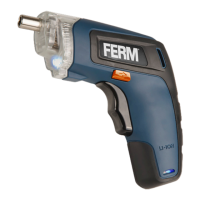
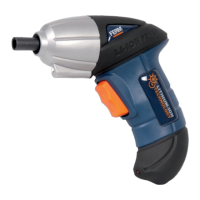
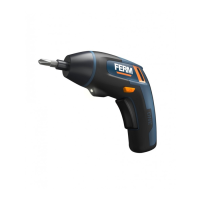
1. Machine
2. Charging socket
3. Charging indication light
4. Bit holder
5. Direction switch
6. On / off switch
7. Work light
8. Charger adaptor
11. Magnetic bit holder
Lithium-Ion technology
The batteries provided with this machine have
Lithium-Ion technology.
One advantage of using Lithium-Ion
batteries is that, until the battery is almost
empty, hardly and power fading is
noticeable. The machine can be used
until you start noticing that the power of
the drill is elapsed. The battery is
discharged now and needs to be
charged.
Another advantage is that Lithium-Ion
batteries have no memory effect.
Therefore they can be charged at any
moment without degrading, independent
of the charging state of the battery.
3. OPERATING
The machine must be charged before
first use.
Charging the machine (with the charger
adaptor)
Fig. B
The machine can be charged by the charger
and wait for a while. The LED indicator on
charging status.
Charging the machine (on a USB socket)
Fig. C
switched on.
burning.
Charging indication light (3)
Fig.A
The machine has a charging indication light
process:
LED color Status
Red Battery charging in progress
Green Battery charging finished, battery fully charged
hours.
charger plug from the outlet and remove the
cable from the machine.


 To Next Page