Pag 11
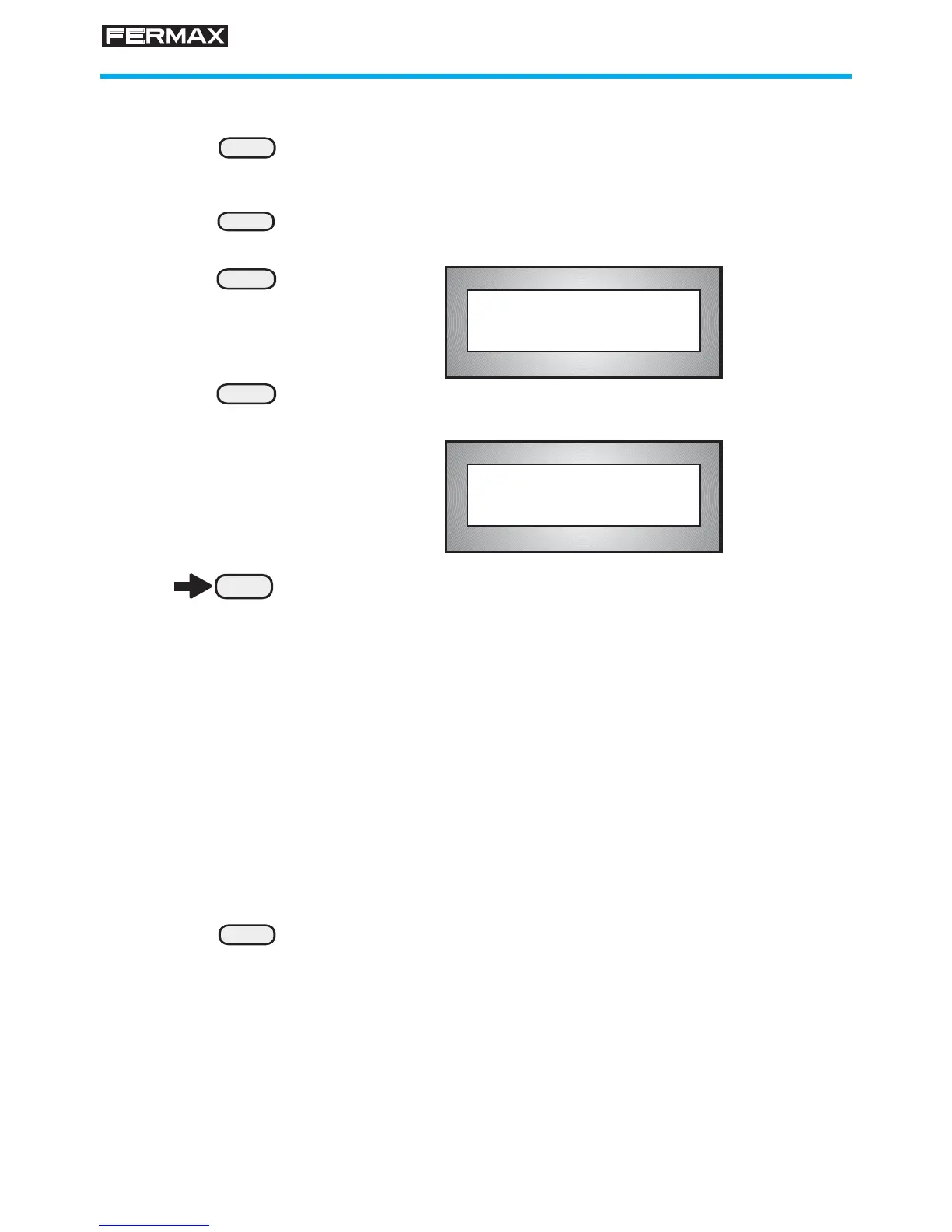
Select Operating MODE
How to select Operating MODE:
1. Press "0"
The display will show a series of dashes (except in the
call mode with 0 in ON, see page 45).
2. Enter "A" followed by "3" repeatedly until the dashes
3. Use the arrow keys (below display) to select the
desired MODE:
NIGHT
MIXED
DAY
MASTER-DAY (*)
MASTER-MIXED (*)
TRANSFER-DAY (*)
TRANSFER-MIXED (*)
(*) Only available in installations with a Central Unit. See
NOTE on previous page.
4. Press "B" when the desired MODE comes up on the
display.
0
A
3
3
B
+
.
.
.
A333_ _
The display presents the current MODE
Current Mode:
Day








 To Next Page