Pag 15
Select Contrast
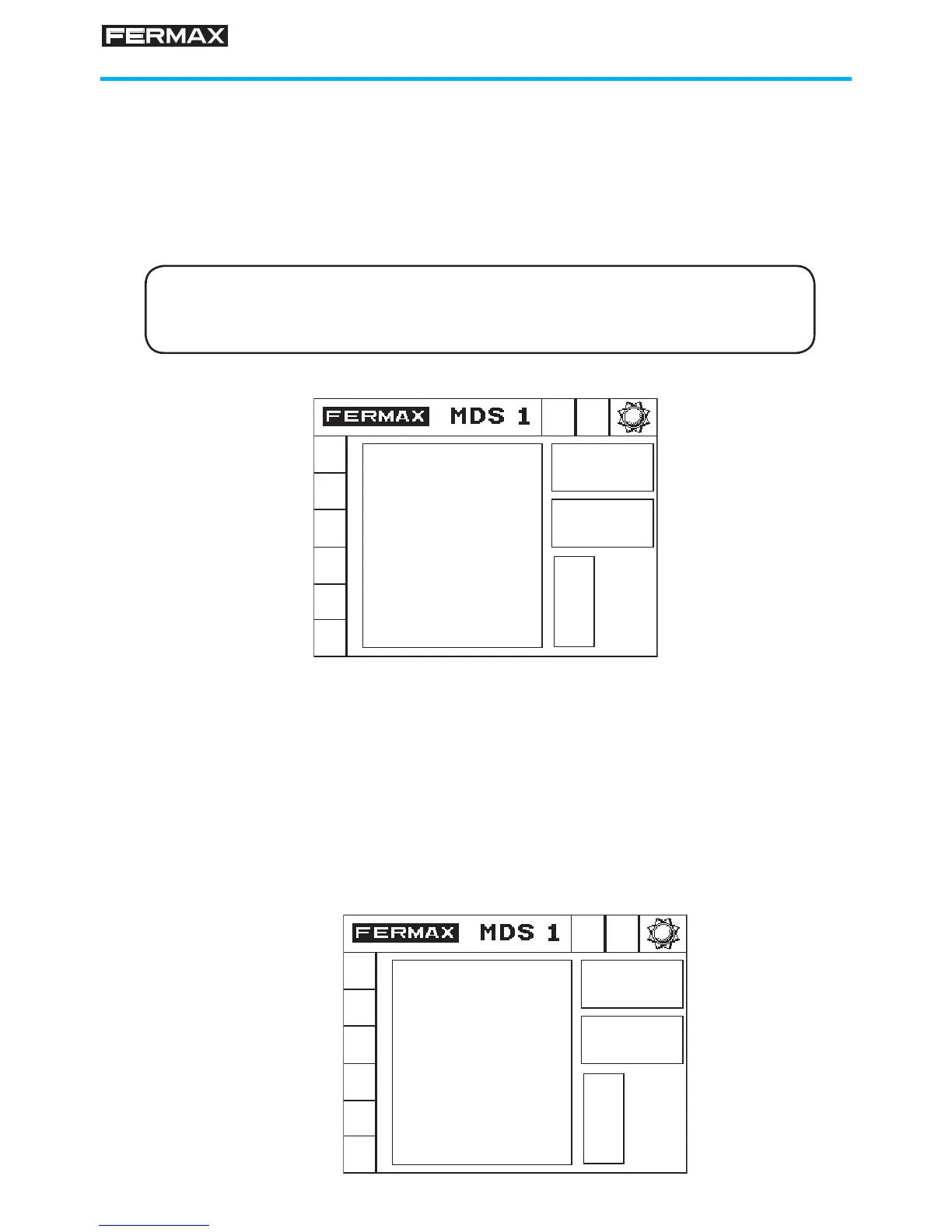
The contrast of the Guard Unit graphic display can be adjusted for optimum
viewing. To do so, proceed as follows:
1. Enter code A55555
To do so, enter the sequence: 0 A 5 5 5 5 5
Note: The number of '5' digits that we have to enter (3, 4 or 5) will depend
on the length of the access code confi gured in the system (4, 5 or 6)
2. Use the arrows to select contrast
3. Press 'B' to validate
The contrast value selected is stored in a non-volatile memory, so that even
when the power is off, the set value will be kept.
4. Select the call tone with the arrows
The selected tone is stored in a non-volatile memory so that even if the power
is lost, the established tone is maintained.
5. Validate by pressing 'B'
B EXIT
CONTRAST
-> +
<- -
DIGITAL
V 7.4
B EXIT
RING TONE
SELECTION
-> +
<- -
DIGITAL
V 7.4








 To Next Page