Pag 29
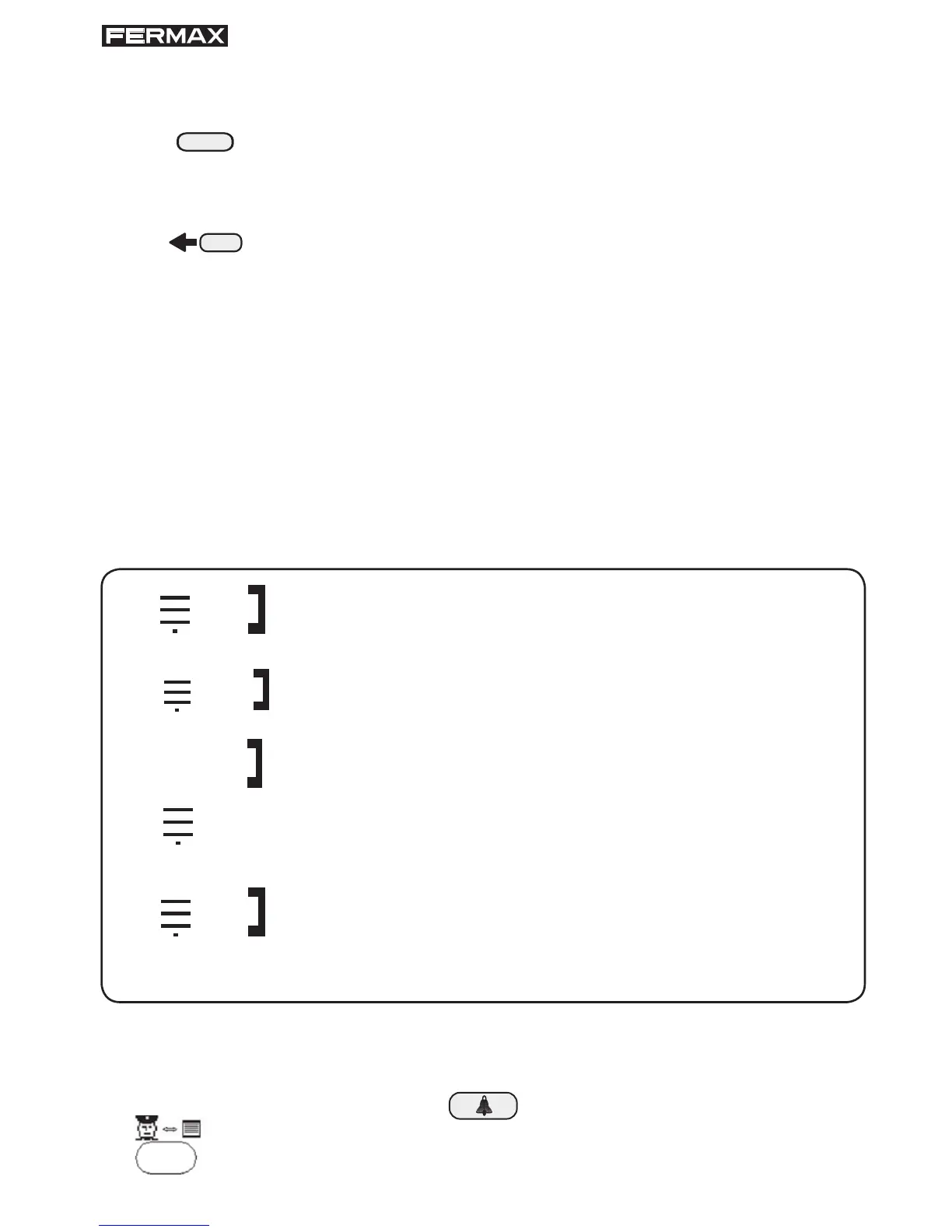
1. Press this key to select which type of calls you wish to answer:
panel calls or telephone calls.
If you can already see it, you do not need to press the key.
2. Once the call type has been selected, use this key to view the
calls waiting and to select the one you want to answer.
3. See the section How to answer memorised calls, on the
following page.
SECTION D indicates the number of the panel or telephone the call is made
from, or whether the call was intercepted by the Guard Unit.
The information that may appear is:
* The call viewed is from the outdoor panel
A
p p/ t t t t
t t t t
b b p p/ t t t t
p p/
nº p p to telephone nº t t t t and has been intercepted
by the Guard Unit.
* The call selected is from outdoor panel nº p p to
the Guard Unit.
* A call from telephone nº t t t t
* The call on display is from an indoor panel
nº p p p to the Guard Unit.
* This option will only be valid in large facilities with
several blocks or sectors and a long call system, (*).
The call selected is from a panel in block nº b b to
telephone nº t t t t.
p p p
(*) See VERY IMPORTANT NOTES on page 27.
In SECTION E, the time the call was received is indicated.
The calls are not answered until the key (for telephones) or the
key (for panels) is pressed.








 To Next Page