2 CALL RECEPTION
Calling from a panel
NEO monitors can receive calls from both the outdoor panels of the block corresponding to the
apartment, as well as from any general entrance of the condominium.
During the call it is possible to open the access door, as well as any other additional doors that
may have been installed (gate, garage, etc.) up to a maximum of 4.
During the call it is also possible to view the caller from the camera installed on the building's
access panel, as well as from any additional cameras that may have been installed (up to a
maximum of 4).
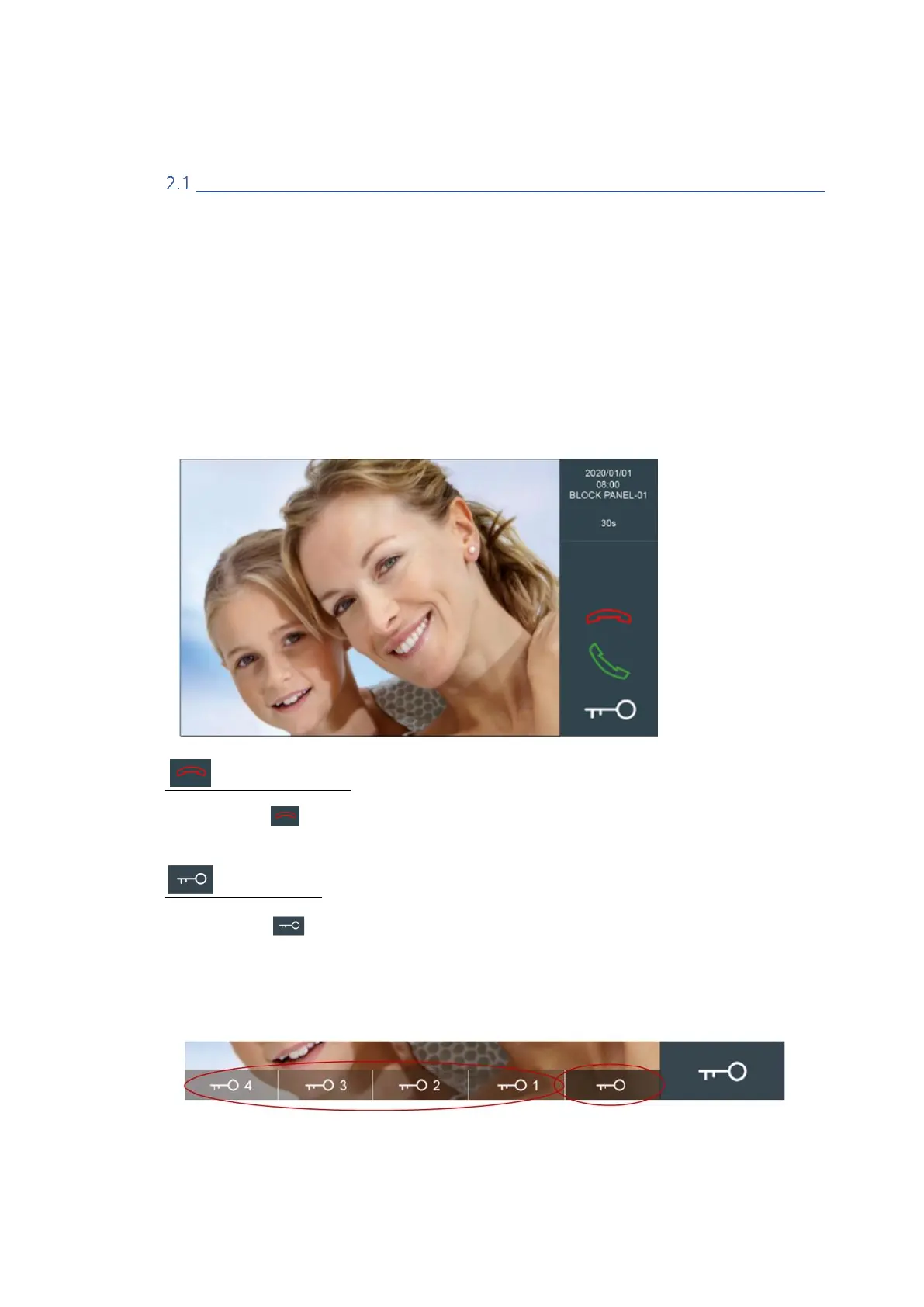
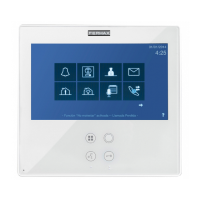
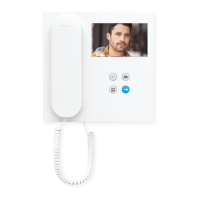
In both cases, the operation is the same: The monitor rings, the screen turns on automatically and
the visitor's image appears, along with the user controls described below.
Hang up/reject call
Touch the icon if you do not wish to take the call. The monitor will turn off.
Open the door
Touch the icon if you want to open the door without first talking to the caller.
If there are additional doors (other than the main door), touching this icon will display more
options at the bottom of the screen. Click on the one corresponding to the door to be opened.



 To Next Page