Italiano English Français Deutsch Español
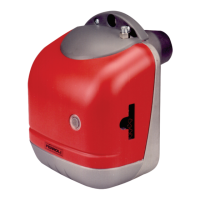
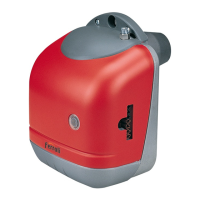
SUN G20
35
Cod. 35442633 - 01/2007 (Rev. 00)
LMO24 fault-diagnosis and operation
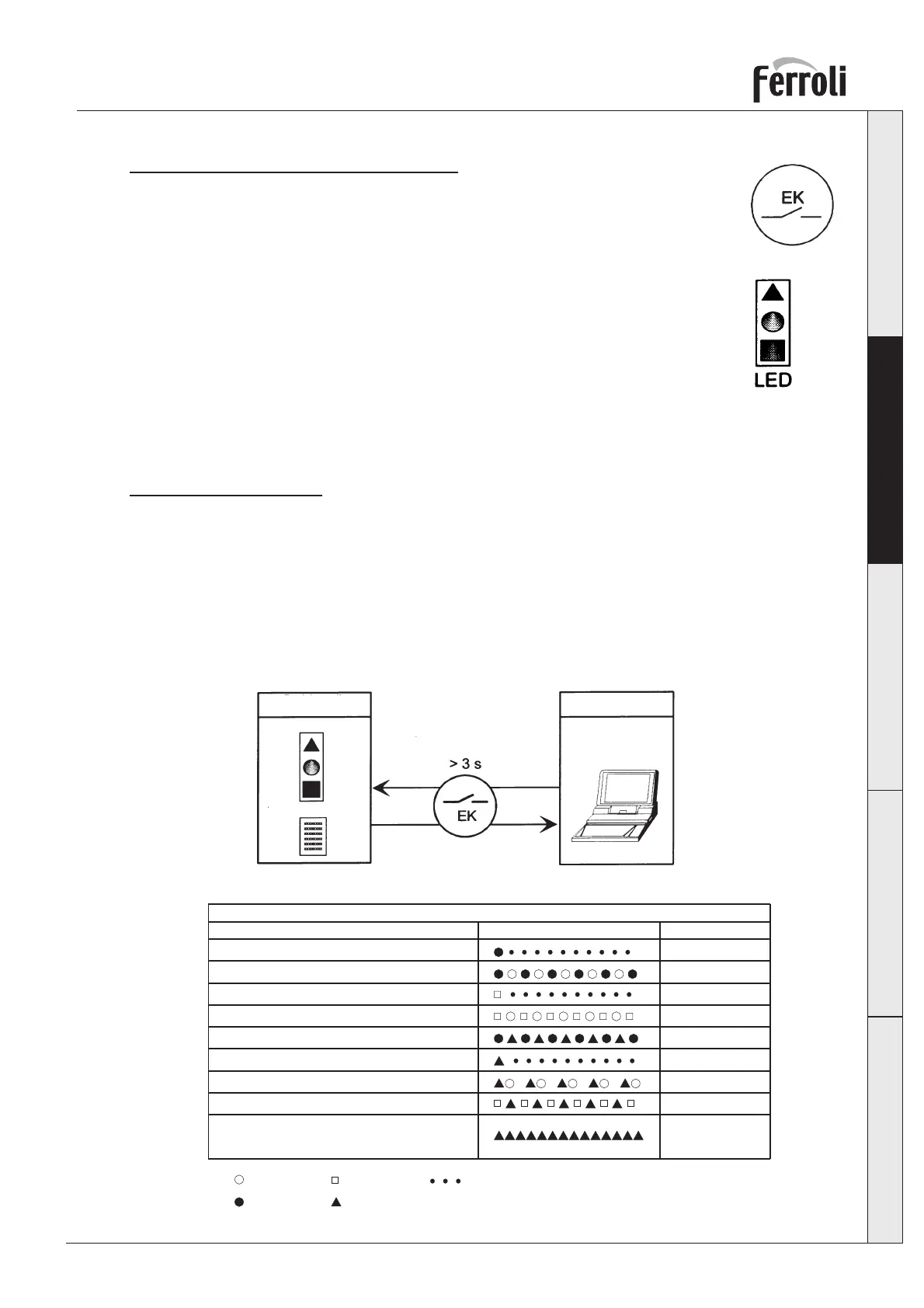
The burner release button “EK” is used to reset the burner unit and to turn the fault-
diagnosis functions on and off.
The multicoloured LED is used for both types of fault diagnosis.
The “EK” button and the LED are located under the transparent cap of the release
button.
Two types of fault diagnosis can be used.
1 Visual fault diagnosis - The burner’s operating status or the cause of the fault is
displayed.
2 Interface fault diagnosis - Using the OCI400 interface and the ACS400 software or a fume analyzer.
Visual Fault Diagnosis
During normal operation, the various operating statuses are shown by the colour combinations as shown
in the table below.
Interface fault diagnosis is activated by pressing the burner release button for at least 3 seconds. If this
mode gets turned on accidentally, a weak red light starts blinking; to go back to the normal mode, just
press the Reset button again for at least 3 seconds.
The passage from one mode to the other is shown by the yellow LED blinking.
Red
Yellow
Green
Operating
position
Visual fault diagnosis
Colour code table
Operating
position
PC/analyzer
interface
fault diagnosis
Colour code table during the ignition phase
States Colour sequence Colours
Fault diagnosis with interface
Green - Red
Yellow
Weak red
LED blinking
Pre-ventilation
Foreign light in pre-ventilation
- Off
- Yellow
- Green
- Red
- Continuous
Ignition phase Blinking yellow
Operation, flame correct Green
Operation, flame defective Blinking green
Low voltage Yellow - Red
RedShutdown
RedFault display (see fault table)



 To Next Page