Connection
Audio Input Interface
USB / MIDI Interfaces
Before the external audio signal is connected to this product, please turn down the volume of the
tone source first. Adjust the volume to a satisfactory level after connection.
Connecting wire, which is sold into the open where both ends are standard plugs ( for instance: for
MP3 ).
or one end is standard plug while the other end is two needle shaped plug ( for instance: for DCD ) , is
used to connect tone source output unit and digital keyboard, and when you switch on power switches
of tone source instrument and digital keyboard, you can play music on the tone source instrument of the
digital keyboard, or you can also play music while play the musical instrument
MIDI is initial letters of Musical Instrument Digital Interface in English. MIDI is the standard connecting
system of communication between digital keyboard and music instrument with MIDI USB or MIDI
interfaces of this digital keyboard can be used to connected with music instrument accompanied with MIDI
and computer.
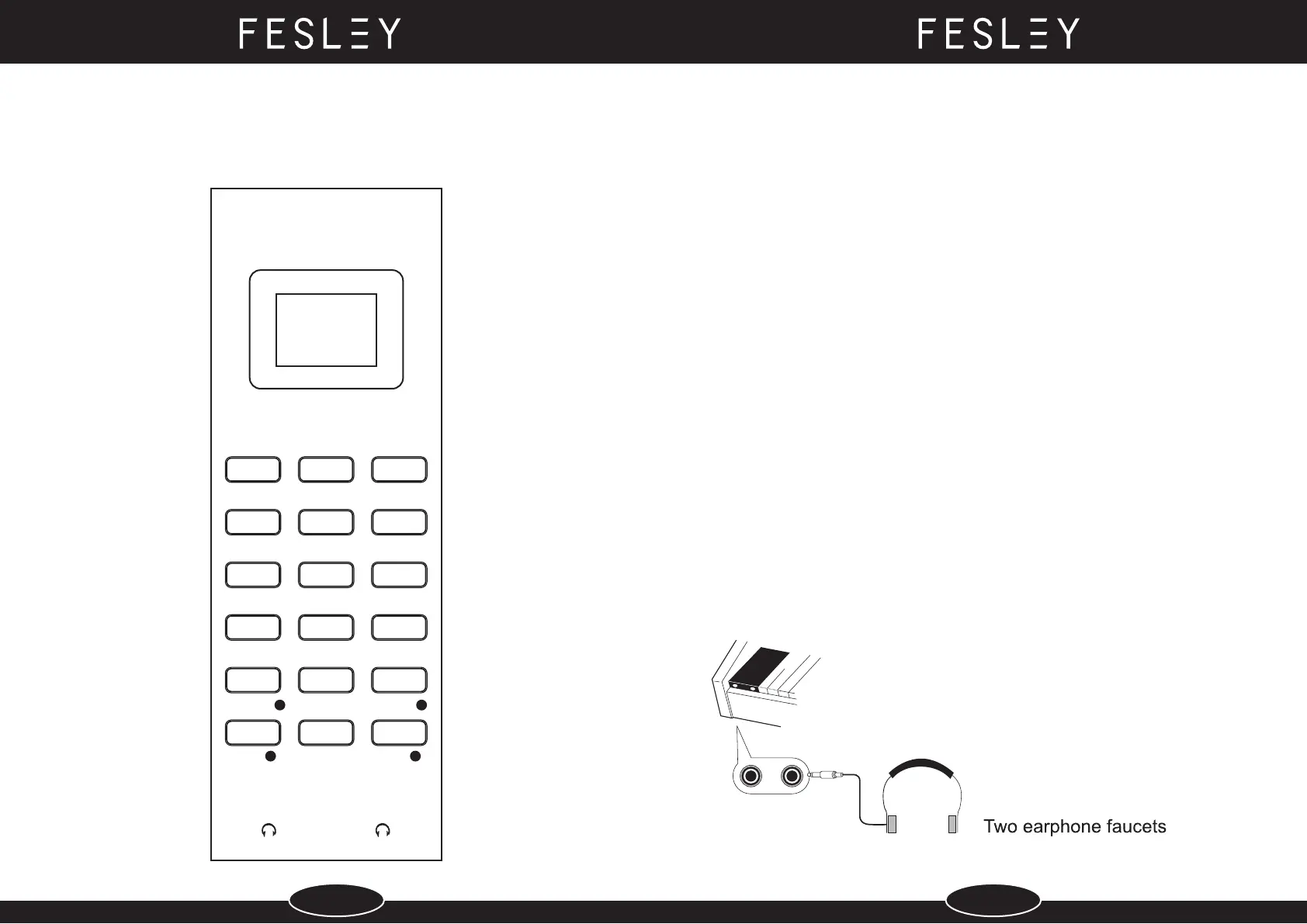
Earphone Output Terminal
This product has two earphone output faucets, and turn down volume of the digital keyboard at first before
connecting earphone. Adjust the volume to the satisfactory level after connection.
TONE RHYTHM DEMO
DUAL SPLIT TEMPO
RECORD
REC-PLAY
SETUP
SYNC
INTEGRATE
BEAT
SELECT
1 2
START/STOP
VOL POWER VOL
+
SELECT
-
+
-
FUNCTIONAL INDICATOR
5 6


 To Next Page