Synchronous start
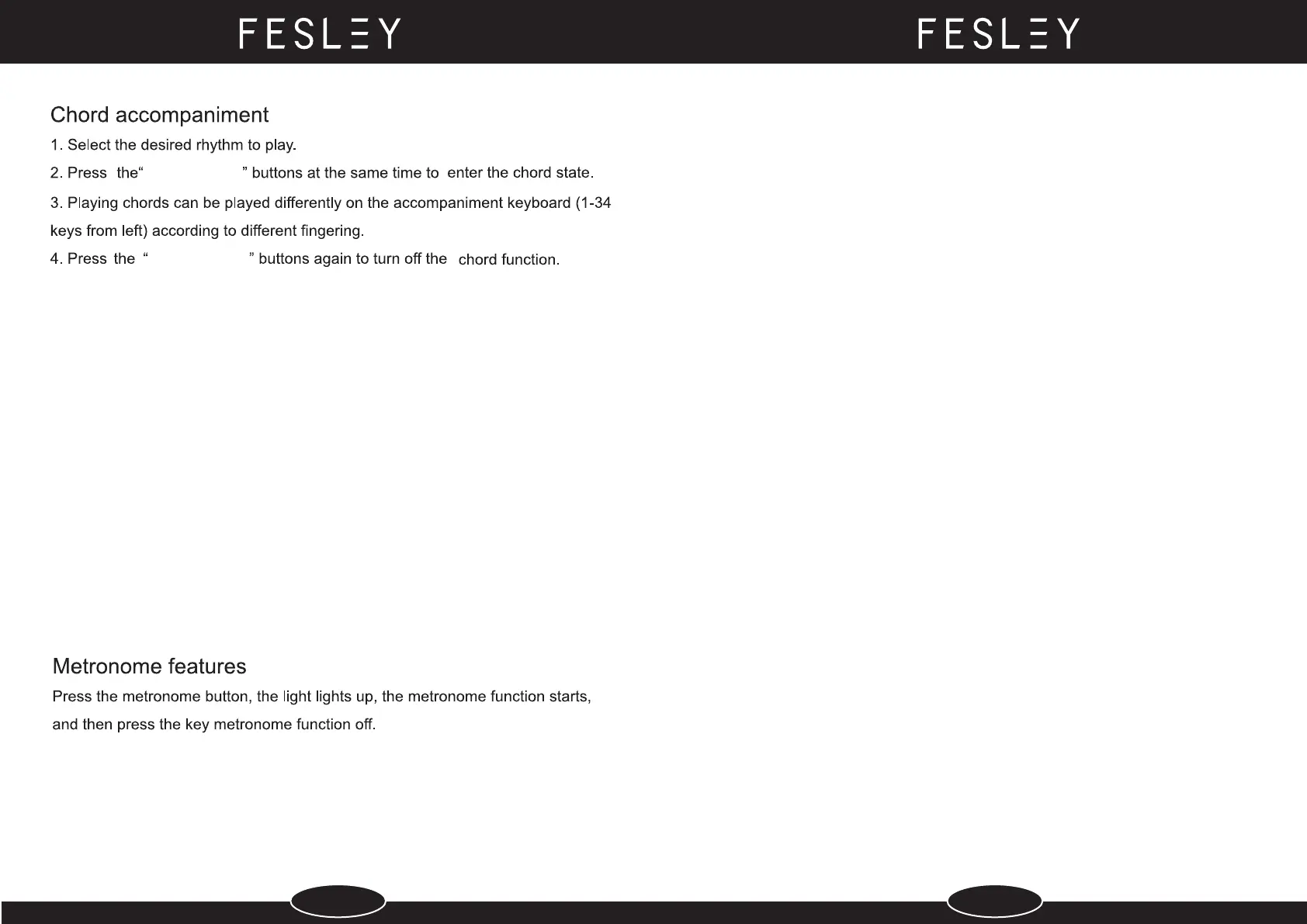
Select the rhythm to use before beginning, set the speed value and select the chord
accompaniment.
1. In the rhythmic state, press the "synch" button to enter the synchronous start state.
2. Play chords (1-34 keys from the left of the keyboard), and the accompaniment will
start playing automatically.
3. To cancel the synchronization function, press the "start/stop" button.
INTERATE
INTERATE
1. Press the "demo" button to display the current demo number and start playing
the demo. Press this key again to stop.
2. After entering the demo mode, you can also select different demo songs
by "select +" or "select -".
Set the feature.
1. Press the “SETUP” key for the first time, then “Select+” or "Select-" to choose the
force to turn on or off.
2. Press the "SETUP" key for the second time, then “Select+” or "Select-" to select a
different rhythmic volume (0-32).
3. Press the "SETUP" key for the third time, then press“Select+” or "Select-" to select
different shifts (-12-12).
Built-in demo song
Split
1. Enter the timbre mode first and choose an instrument as the main timbre.
2. Press the "SPLIT" button Press the "SPLIT" button, then press "select +" or "select -"
to select another tone.At this time to play the keyboard on both sides of the
corresponding sound of the instrument.
3. Press the "SPLIT" button again to cancel the segmentation of the key disk and
return to the normal keyboard state.
The dual tone
1. Enter the timbre mode first and choose an instrument as the main timbre.
2. Press the " DUAL" button to Press the "DUAL" button, then press the "select +" or "
select -" button to select the second tone.At this point playing the keyboard can
simultaneously emit two resonant timbre.
3. Press the "DUAL" button again to return to the normal tone state.
1. Key disc note recording
Press the " REC " buttons simultaneously to digitally display
"REC" into recording mode, recording 5000 notes.
2. Press the“play” buttom digitally display “PLY” to play the recorded notes.
Recording
9 10


 To Next Page
 Loading...