11
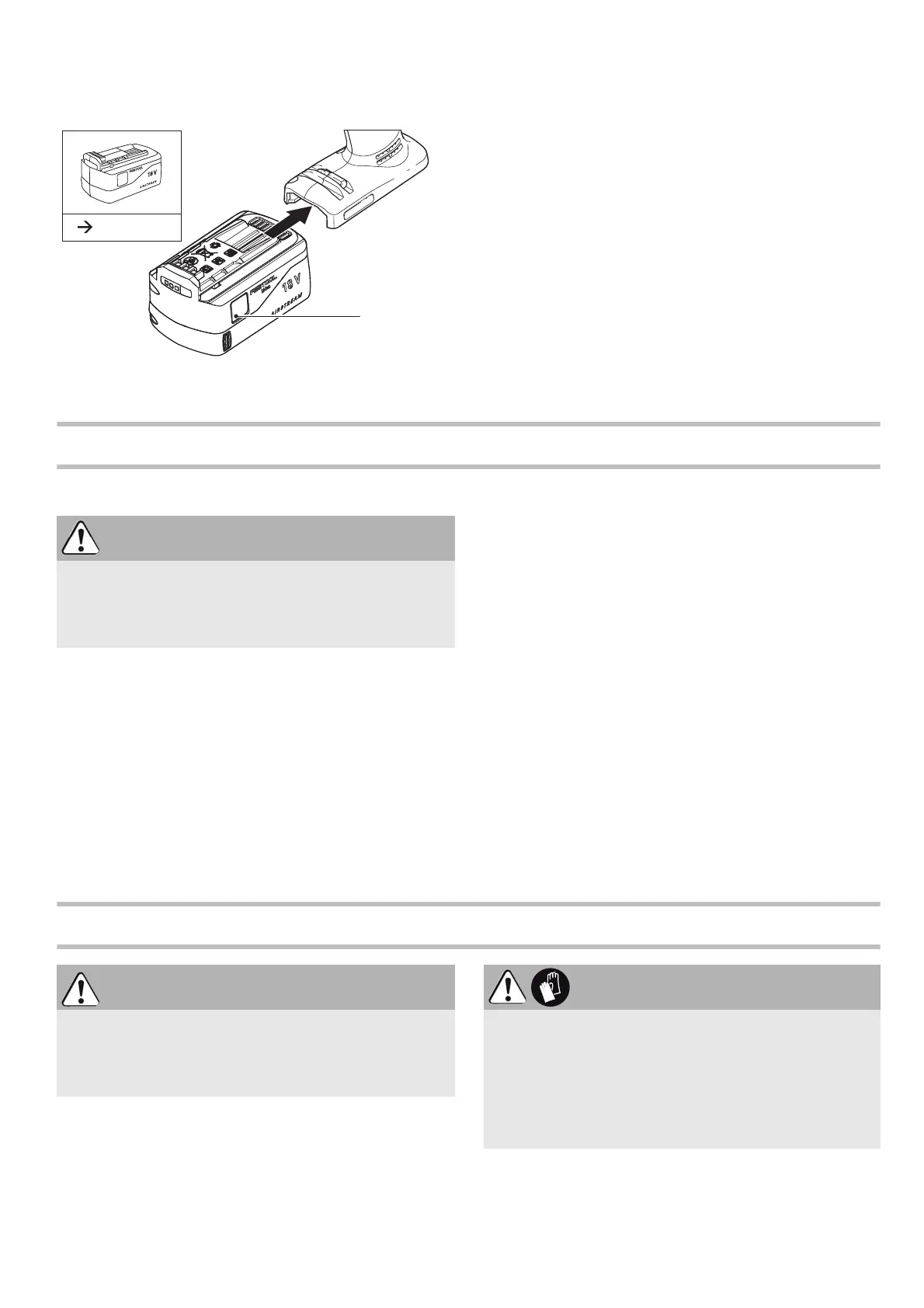
Inserting the battery pack
Slide the battery pack upwards into the machine
like shown in
Fig. 2
until it engages.
Settings
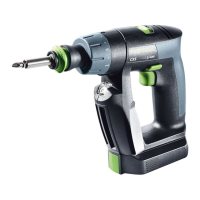
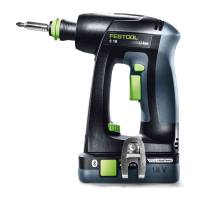
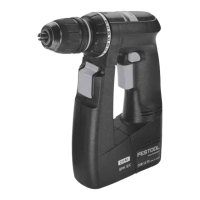
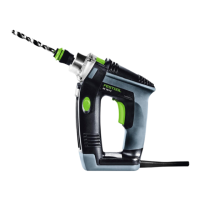
Consider the pictures on the fold-out page.
Changing direction of rotation [1-4]
• Switch to the left = clockwise rotation
• Switch to the right = counterclockwise rotation
Changing gear [1-6]
• Gear switch forwards (digit 1 visible) = 1st gear
• Gear switch to rear (digit 2 visible) = 2nd gear
Fastening
Adjust the switch so that its marking
[1-9]
faces the
screw symbol
[1-8]
.
Adjust the torque accordingly at the torque wheel
[1-12]
.
Position 1 = low torque
Position 25 = high torque
An
acoustic signal
sounds when the preset torque
is reached and the machine then switches off. You
must release and press the ON/OFF switch
[1-3]
again to start the machine.
Drilling
Adjust the switch so that its marking
[1-9]
faces
the drilling symbol
[1-7]
= maximum torque.
Tool holder, attachments
2
CAUTION
Risk of injury
Always switch off the power tool before adjusting
settings!
WARNING
Risk of injury
Always disconnect the battery pack before per-
forming any type of work on the machine!
CAUTION
Hot and sharp tools
Risk of injury
Do not use insert tools that are blunt or defec-
tive.
Wear protective gloves.



 To Next Page
 Loading...