Page 2 of 7
Switching the receiver ON/OFF
Press and hold the button (2 seconds approx.) to switch the receiver ON/OFF
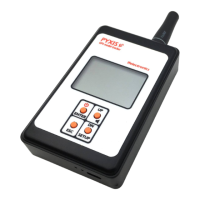
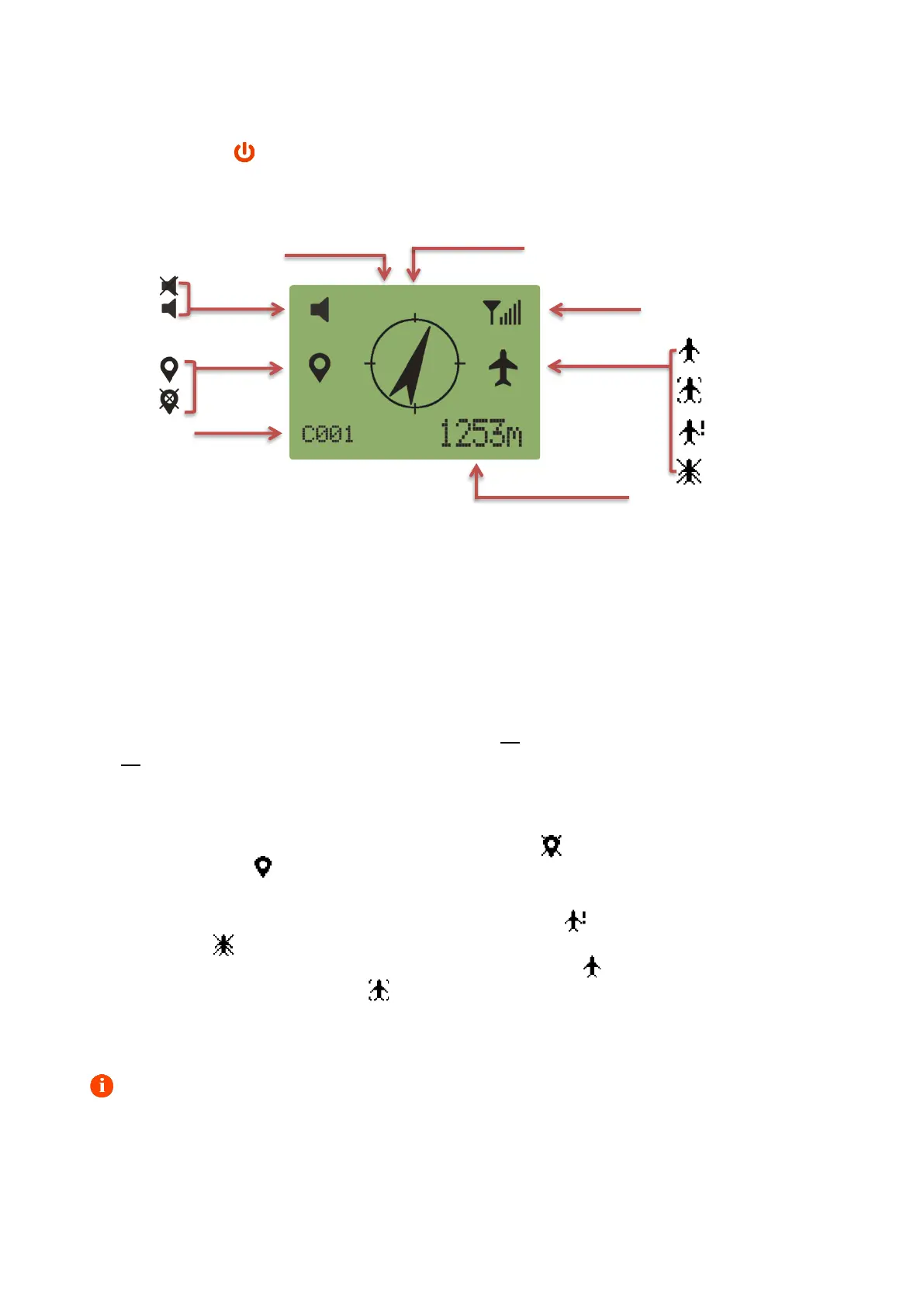
Handheld unit LCD
Multifunction keyboard operation
Press and hold SETUP to enter the setup menu. Press and release UP/DN to select a menu, press
and release ENTER to enter the selected menu. Press and release ESC to leave a menu.
Standard microUSB socket for battery recharge - recharge status LEDs
The receiver has a standard microUSB socket at the bottom for charging the internal battery via a
mobile phone charger, computer USB, microUSB power bank or car cigarette lighter socket and a
pair of LEDs to monitor the charging process. Red LED on means that charging is in progress, green
LED on means that charging is complete.
Displayed system icons
When turned on, the handheld unit will take some time to acquire its position. During this period
the local GPS status icon is displayed flashing and crossed ʘ . When the position is acquired, the
icon is displayed solid ʘ .
The PYXIS handheld gets the model position from the messages that the beacon cyclically sends.
The model GPS status icon will temporary display solid ʘ (outdated position stored) or
flashing/crossed ʘ (beacon never located previously) until the handheld unit receives an updated
GPS position from the beacon. When it does, it will display solid ʘ . If the model is on the ground
the model GPS icon will display solid .
Compass calibration
the calibration of the internal e-compass is recommended the very first time the system is used,
and every time the handheld unit is moved to fields many kilometers away.


 To Next Page
 Loading...