Auto Door Locks
When enabled, the door locks will lock automatically
when the vehicles speed exceeds 15 mph (24 km/h).
To change the setting proceed as follows:
1. Briefly press the MENU button to enter the MENU
screen.
2. Press the UP
or DOWN button to highlight
“Auto Door Locks”. Press the MENU button, use
the UP
or DOWN buttons to turn setting ON
or OFF
3. Briefly press the MENU button to go back to the menu
screen, or press and hold the MENU button (approxi-
mately one second) to go back to the main screen
without storing the settings.
NOTE: Use the Automatic Door Locks feature in accor-
dance with local laws.
Refer to “Electronic Vehicle Information Center (EVIC)”
in “Understanding Your Instrument Panel” in your
owner manual on your DVD for further information.
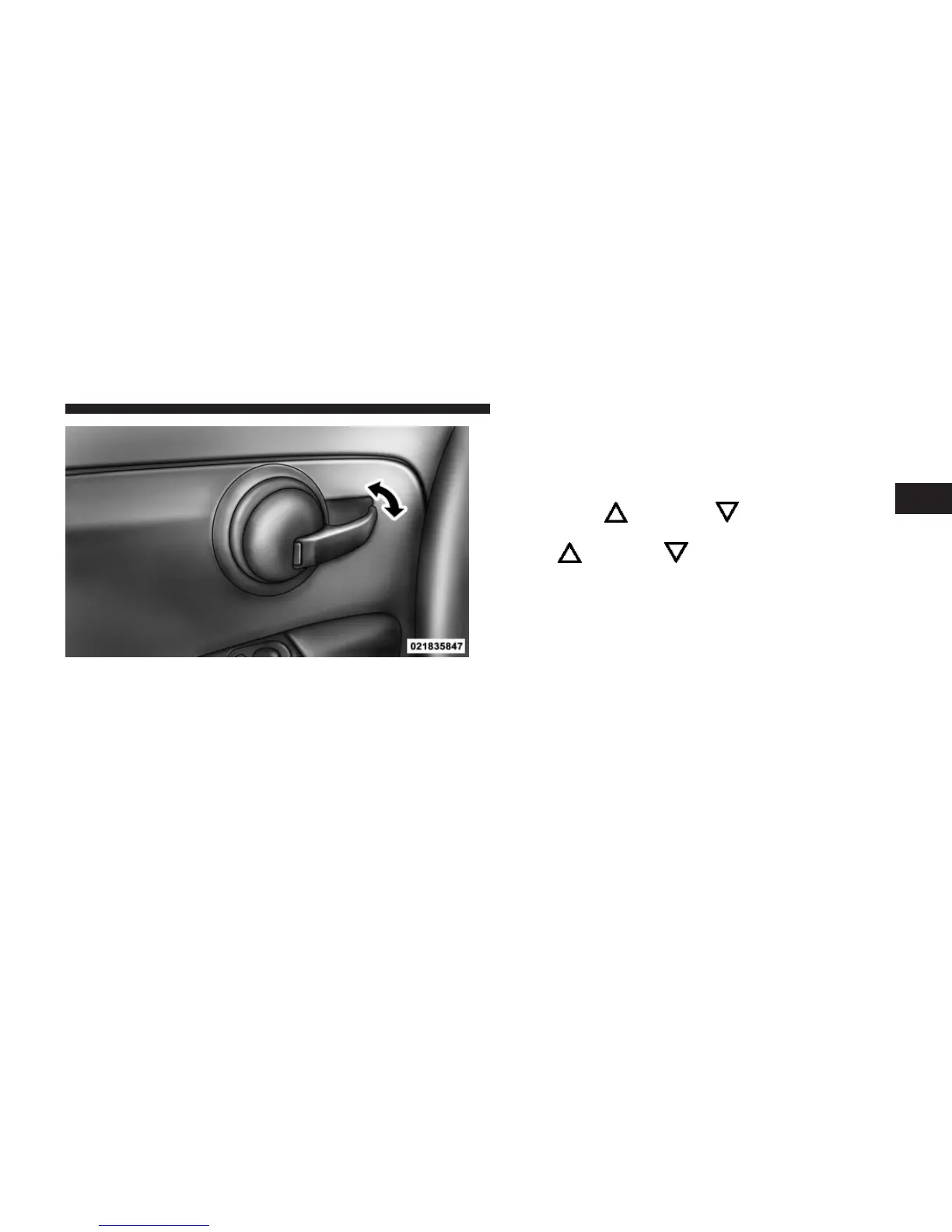
Driver’s Power Door Lock Handle
2
THINGS TO KNOW BEFORE STARTING YOUR VEHICLE 43


 To Next Page