26
BLUE&ME™ in conjunction with Instant Nav
DISPLAY
Various functions are shown on the con-
trol panel and the Instant Nav (see fig. 1).
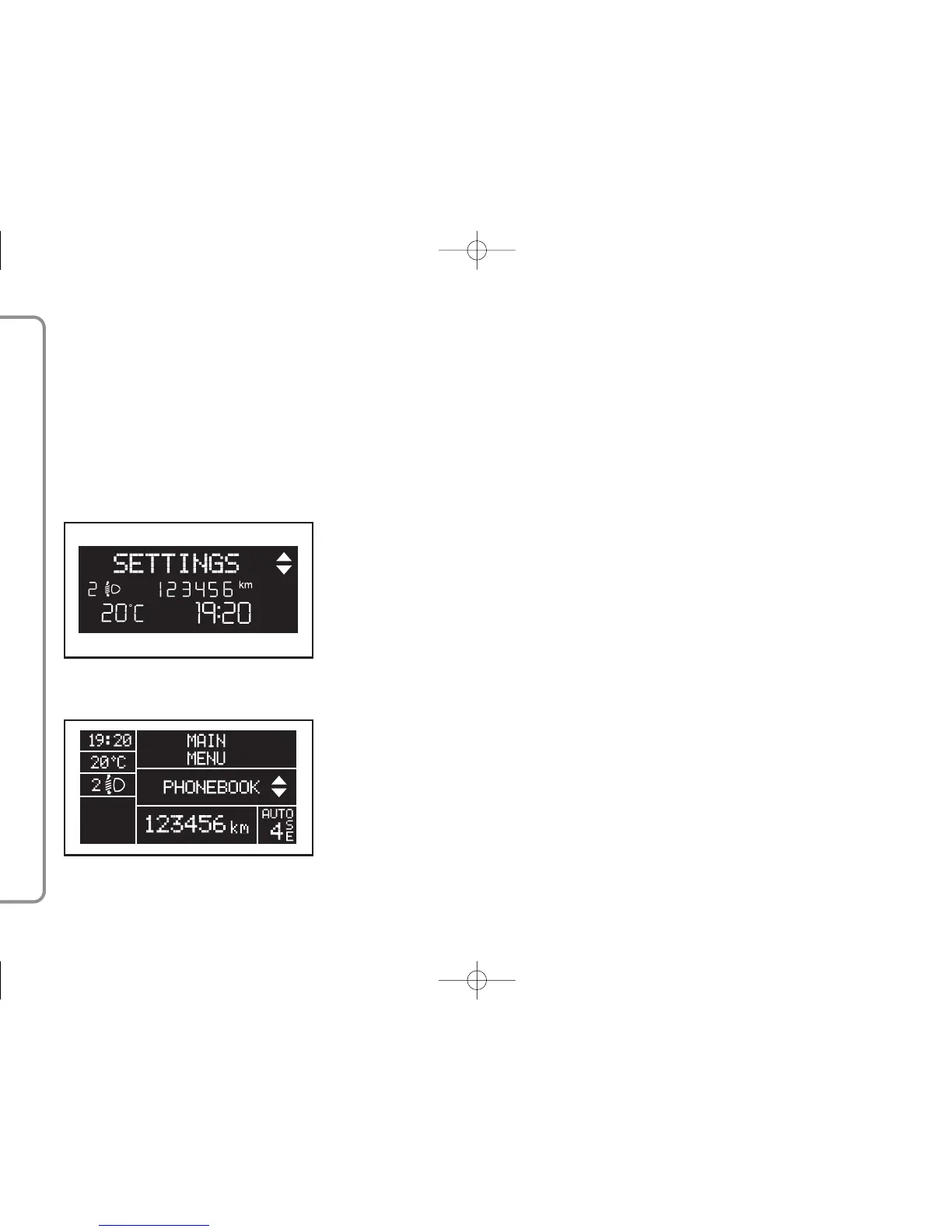
The control panel display shows various
types of information (fig. 2 and fig. 3):
– Information on the status of the mo-
bile phone connected via Bluetooth
®
:
–
;
this means that the system is con-
nected to a mobile phone with Blue-
tooth
®
– NO BLUETOOTH - indicates that the
connection with the mobile phone is in-
terrupted (versions with multifunction dis-
play)
– If there is no symbol
;
this indicates
that the connection with the mobile
phone is interrupted (versions with re-
configurable multifunction display)
– The symbol
Ã
indicates that the call
activated is the first one answered, this
symbol is only present in the case of call
waiting (versions with reconfigurable mul-
tifunction display).
– The symbol
À
indicates that the
call activated is the second one answered,
this symbol is only present in the case of
call waiting (versions with reconfigurable
multifunction display).
–The
‰
symbol means that a Tele-
phone Conference is activated (versions
with reconfigurable multifunction display).
– Name of the telephone operator ac-
tive on your mobile phone (if not available,
“- - - - - ” is displayed)
– Information relating to an SMS text
message having been received, the tele-
phone number or the contact name (if
stored in the directory) of the SMS mes-
sage sender.
– Information relating to the system
function activated or the menu option se-
lected (see figs. 2 and 3).
– The Instant Nav display will show the
following information relating to:
– the TEL function
– the incoming/outgoing calls (only if
the Privacy function is deactivated)
– the audio tracks
– the Multi Media Player settings.
For more information, see the de-
scription in the Instant Nav manual.
fig. 3
F0L5402g
fig. 2
F0L5401g



 To Next Page