63
BLUE&ME™ in conjunction with Instant Nav
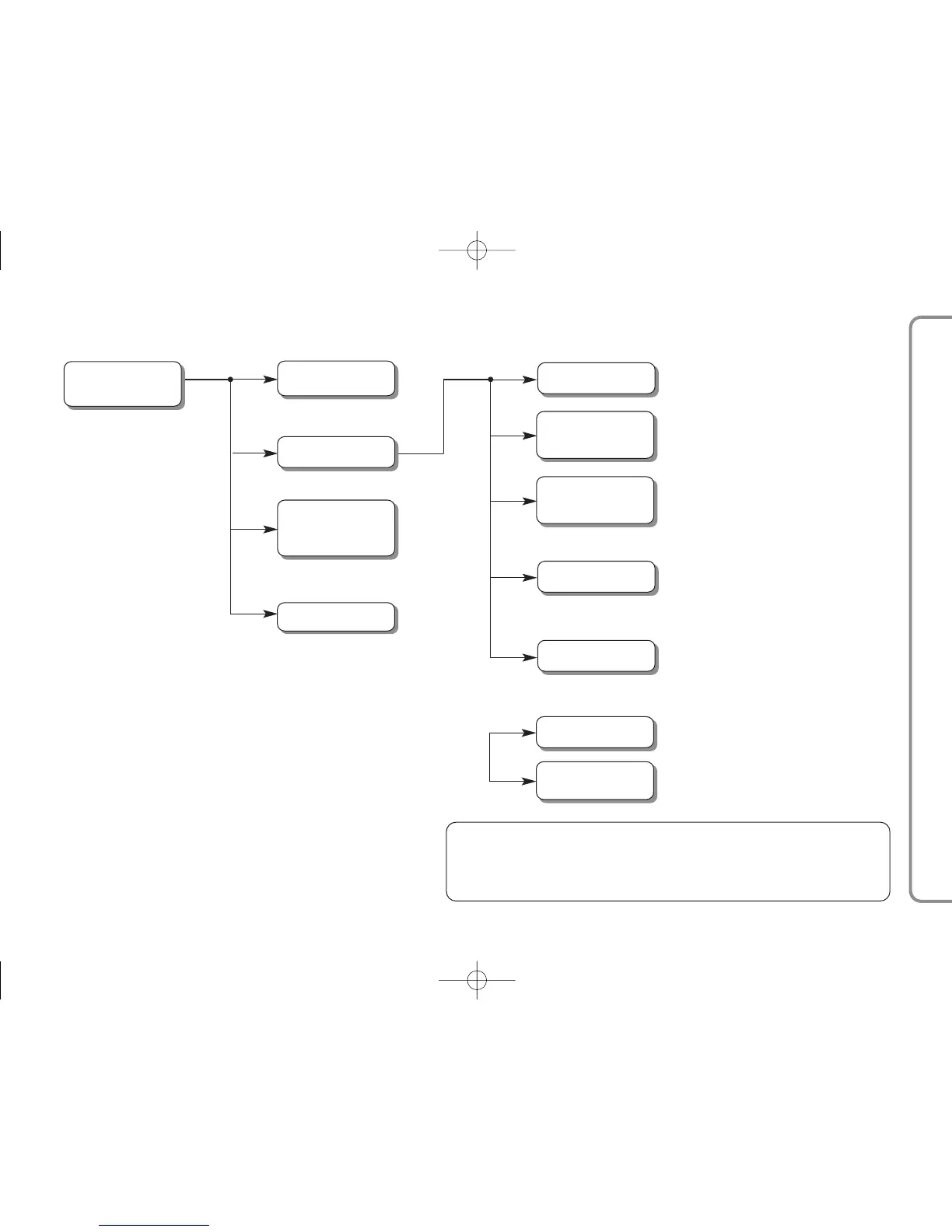
TABLE OF VOICE COMMANDS FOR SETTING FUNCTIONS
• Settings
• Set
• Configure
Activation of the
SETTINGS MENU
of the hands free system
• User data
Activation of the menu USER DATA
• Delete users
Delection of registration data
for all users
• Add contacts
Transfer onto hands free system of the list of names
in the mobile phone connected
Note Function only available for mobile phones with
management of individual contacts (**)
• Delete all
Deletion of of registration data and all phone
directories /contcts for all
telephones registered, with renewal of hands free
system to original settings
• System code
Display of the identification
code for your hands free system
• Connection code
• Connection code
Activation of GPRS CODE menu
• Delete directory
• Delete phone list
• Delete numbers
Delection of current phone list
• Copy phone list
• Copy phone list
• Copy numbers
Transfer of connected mobile phone list directory
onto hands free system.
Note Function only available for mobile phones with
management of the directory (*)
• Registrations
• Register
• Register
• Register user
Activation of the procedures for
registering a new mobile phone number
• Activate Privacy
• Deactivate Privacy
(*) If your mobile phone has the capability of automatically transmitting the phone directory via Bluetooth
®
, the
entire phone list will automatically be copied onto the system during the registration procedure.
(**) If your mobile phone has the capability of transmitting individual contacts in the phone directory via
Bluetooth
®
, during the registration procedure you will be asked to transfer the names in the phone list using your
mobile phone.
• Advanced options
Activation/Deactivation of the
PRIVACY FUNCTION
Activation of the
ADVANCED OPTIONS MENU



 To Next Page