STEP 11
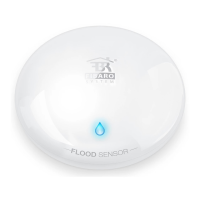
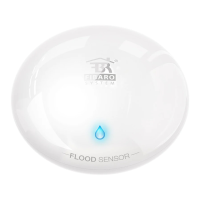
Hold the button for about 10-15 seconds
until LED diode blinks violet.
STEP 12
Release the button, and press it again.
Network range test
It is recommended to check if the device’s destination
is in range of your Home Center.
The quality of the network range will be
indicated by different colours
of the LED diode.


 To Next Page