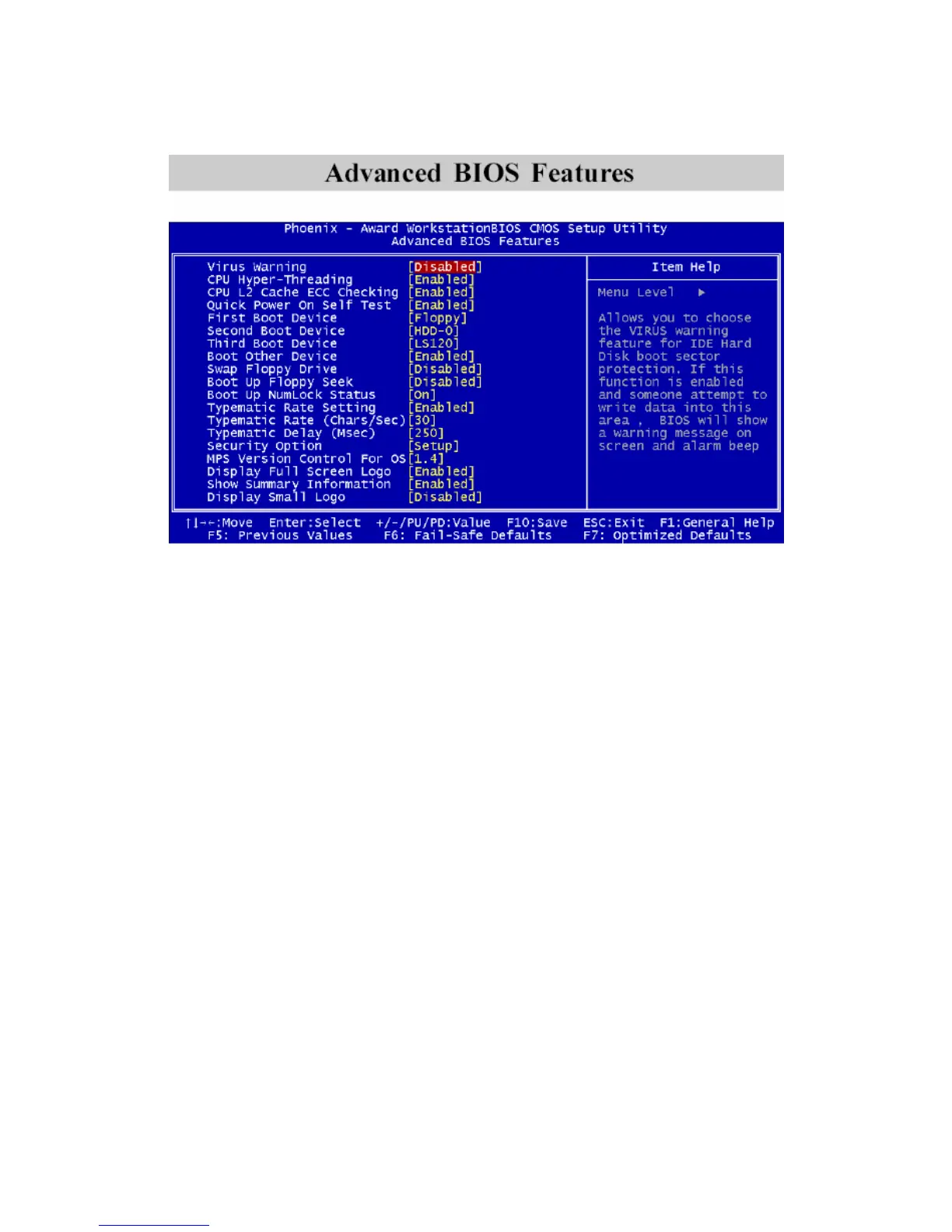
Virus Warning
Set the Virus Warning feature for IDE Hard Disk boot sector protection. If the
function is enabled, any attempt to write data into this area will cause a beep
and a warning message will be displayed. Settings: Disabled and Enabled.
CPU L2 Cache ECC Checking
Set the ECC (Error-Correcting Code) feature for Level 2 cache. Facilitates error
detection/correction when data passes through Level 2 cache. Settings: Enabled
and Disabled.
Quick Power On Self Test
Shorten Power On Self Test (POST) cycle and enable shorter bootup time.
Allow BIOS to skip some check items during POST. Settings: Enabled and
Disabled.
First/Second/Third Boot Device
Set the boot device sequence as BIOS attempts to load the disk operating
system. The settings are:
Floppy The system will boot from floppy drive.
LS120 The system will boot from LS-120 drive.
HDD-0 The system will boot from first HDD.
3-8



 To Next Page