EN
FAST CHARGER USER’S MANUAL
Charging the battery pack
25
5. CHARGING THE BATTERY PACK
Note: The rechargeable battery is not included and is available as an option.
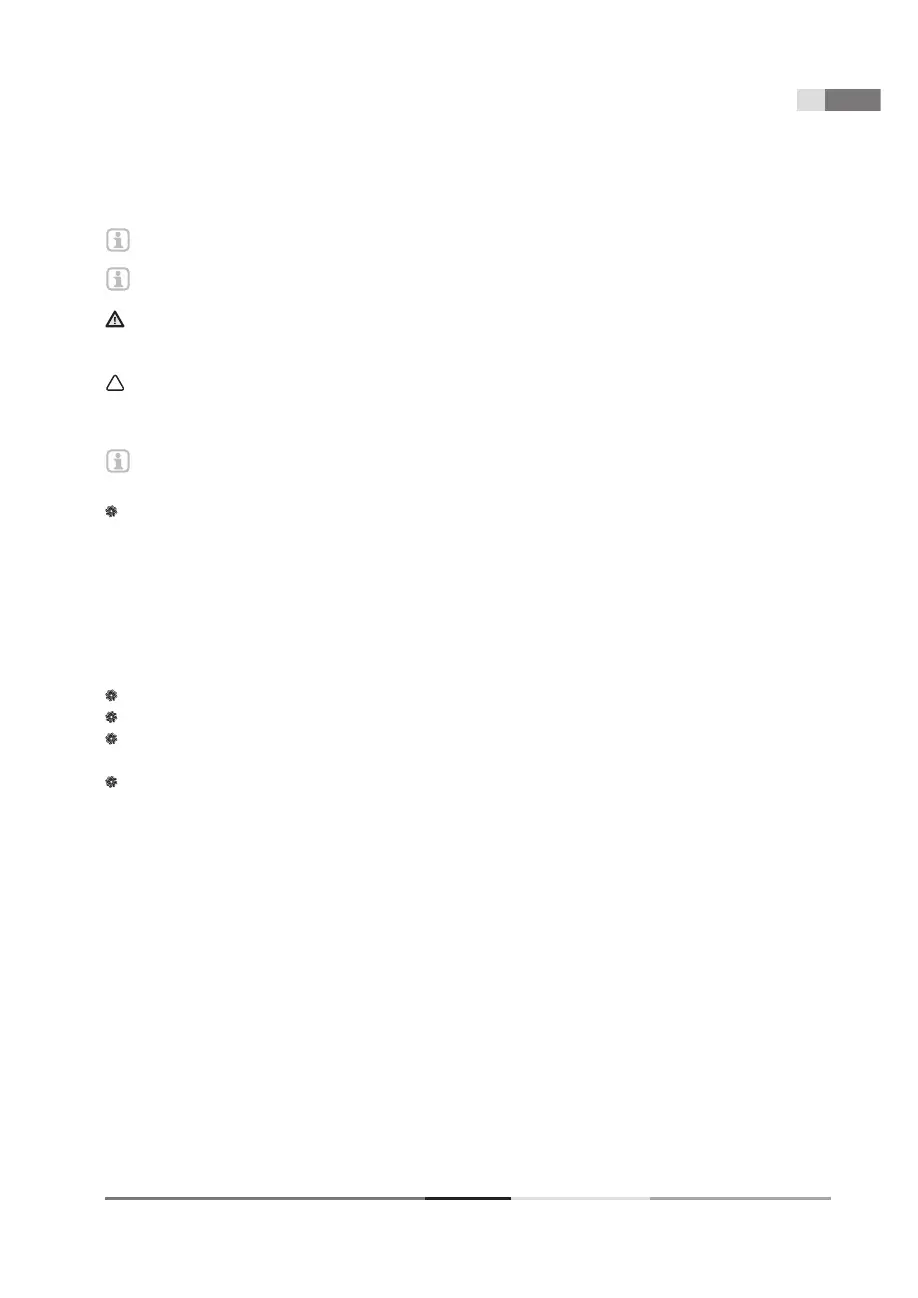
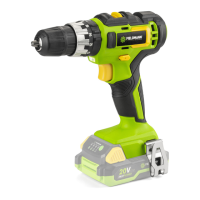
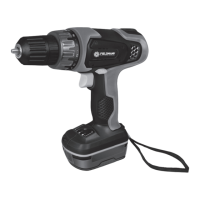
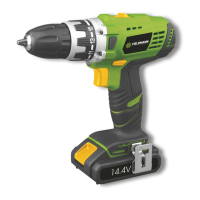
Note: The actual appearance of your product may differ from the illustrations.
WARNING!
Risk of injury! Comply with all safety instructions when handling rechargeable devices.
NOTICE!
Risk of damage to the unit! Do not allow the battery pack to deep discharge.
Note: If the battery is fully loaded, the charger automatically switches over to the maintenance charge
function. The battery can thus remain in the charger permanently.
The battery pack must be charged prior to the fi rst start-up.
– Press in the locking button (3) and remove the battery from the device.
– Insert the battery pack into the charger.
– Plug the charger into the power supply.
The charging status is displayed by the control lights (4).
– Slot the battery pack into the device and make sure it clicks into place correctly.
Control lights (4)
Green light fl ashing - charging
Green light shine - fully charged battery
Red light fl ashing - problem with battery, please carefully check proper insertion of the battery into the
charger. If the problem will continue, please contact the nearest service point
Red light shine - high temperature of battery, please wait at least 60 mins and try again
Checking the remaining capacity of the battery
– Press the button (2).
The remaining capacity of the battery is displayed by the control lights (1).


 To Next Page