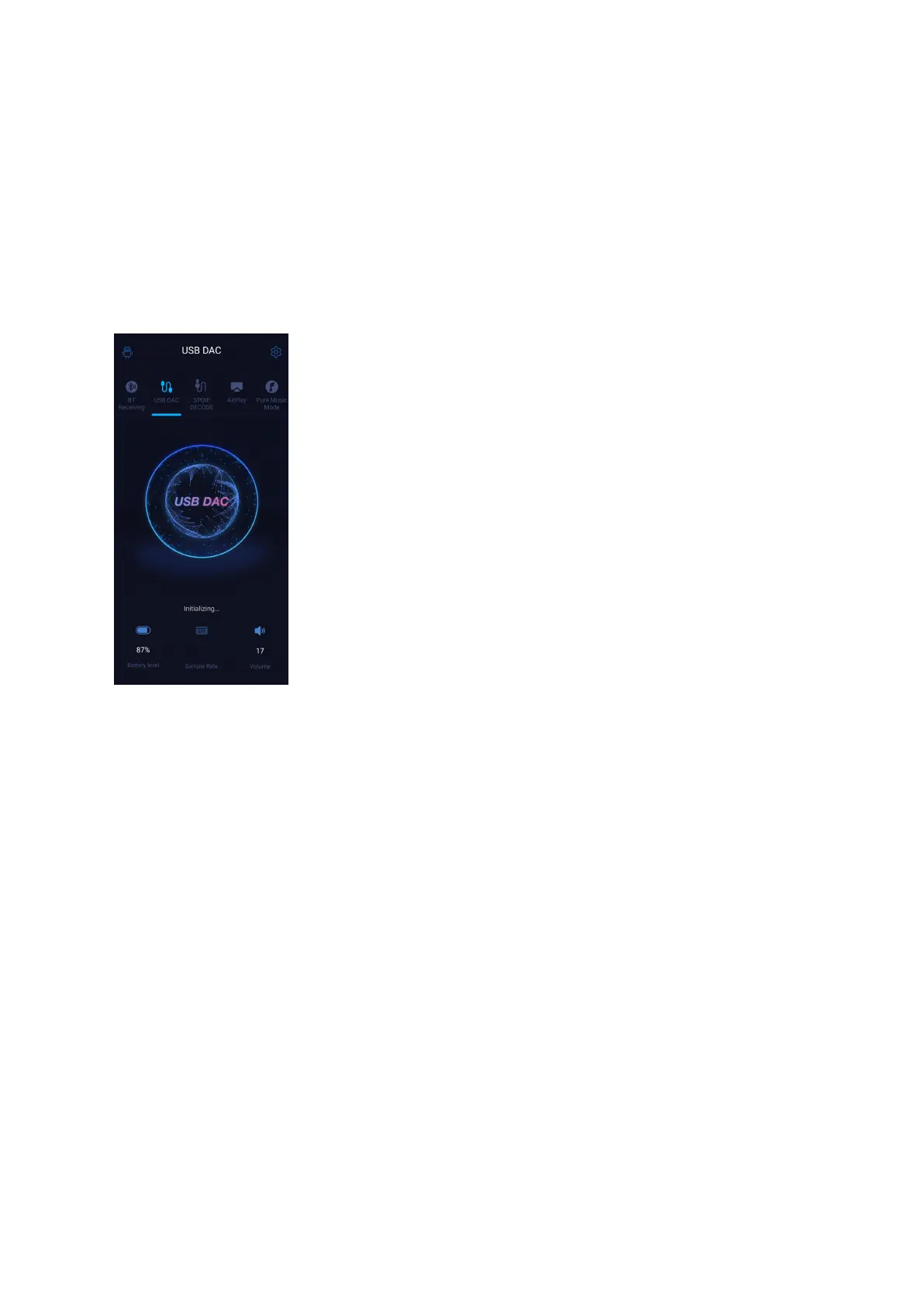
USB DAC mode
In USB DAC mode, the M17 can be connected to other devices like a computer, working as
a USB DAC/Amp. It can be switched to other modes on the drop-down or settings menu.
Notes: when the M17 is going to work in the USB DAC mode for the first time, FiiO's
exclusive USB DAC driver is required. Please download it on our website and follow relevant
instructions to install it.
Bluetooth Receiving mode
1. When switching to the Bluetooth Receiving mode for the first time, the M17 will
automatically enter the pairing state. The next time it enters Bluetooth Receiving mode, it will
reconnect to the last connected device automatically.
2. Go to the Bluetooth transmitting list of the mobile phone, and tap the M17 to complete the
connection.
-Force the device to enter pairing mode: Hold the Play/Pause button for about 3 seconds.
-Manually enter reconnecting mode: Short press the Play/Pause button when not in pairing
mode.
-Clear current pairing: Hold the Previous and Next track buttons at the same time for about 3
seconds.



 To Next Page