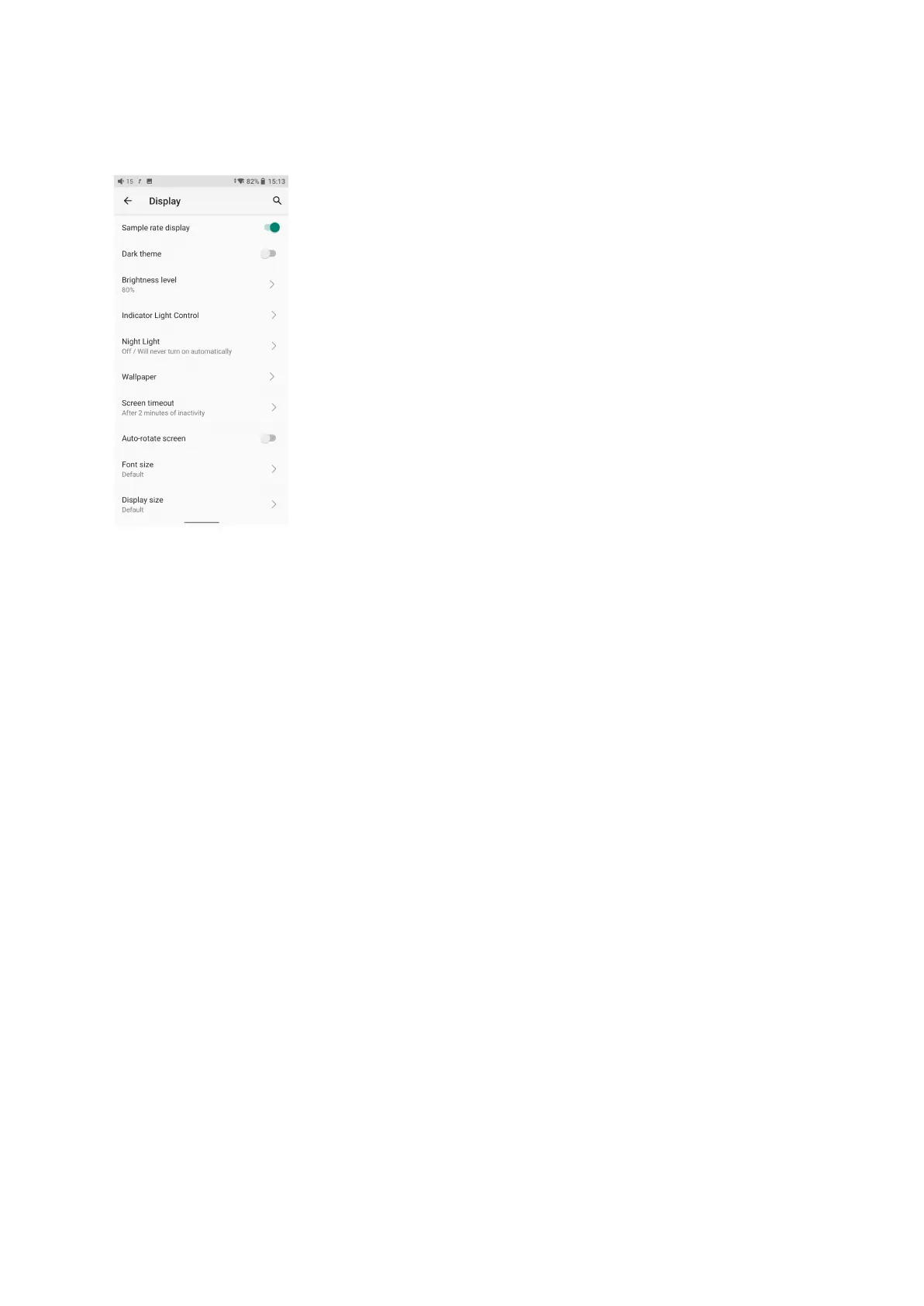
4. Display
The display settings consist of Sample rate display, Dark theme, Brightness level, Indicator
light control, Night light, Wallpaper, Screen timeout, Auto-rotate screen, Font size, Display
size, Screen saver and lock screen display. The following are detailed descriptions of some
common items.
Sample rate display
With it turned on, the sample rate of the currently playing song will be displayed.
Indicator light control
The brightness level and light color of the volume knob indicator light and the side ambient
light under working and charging status can be set in this menu.



 To Next Page