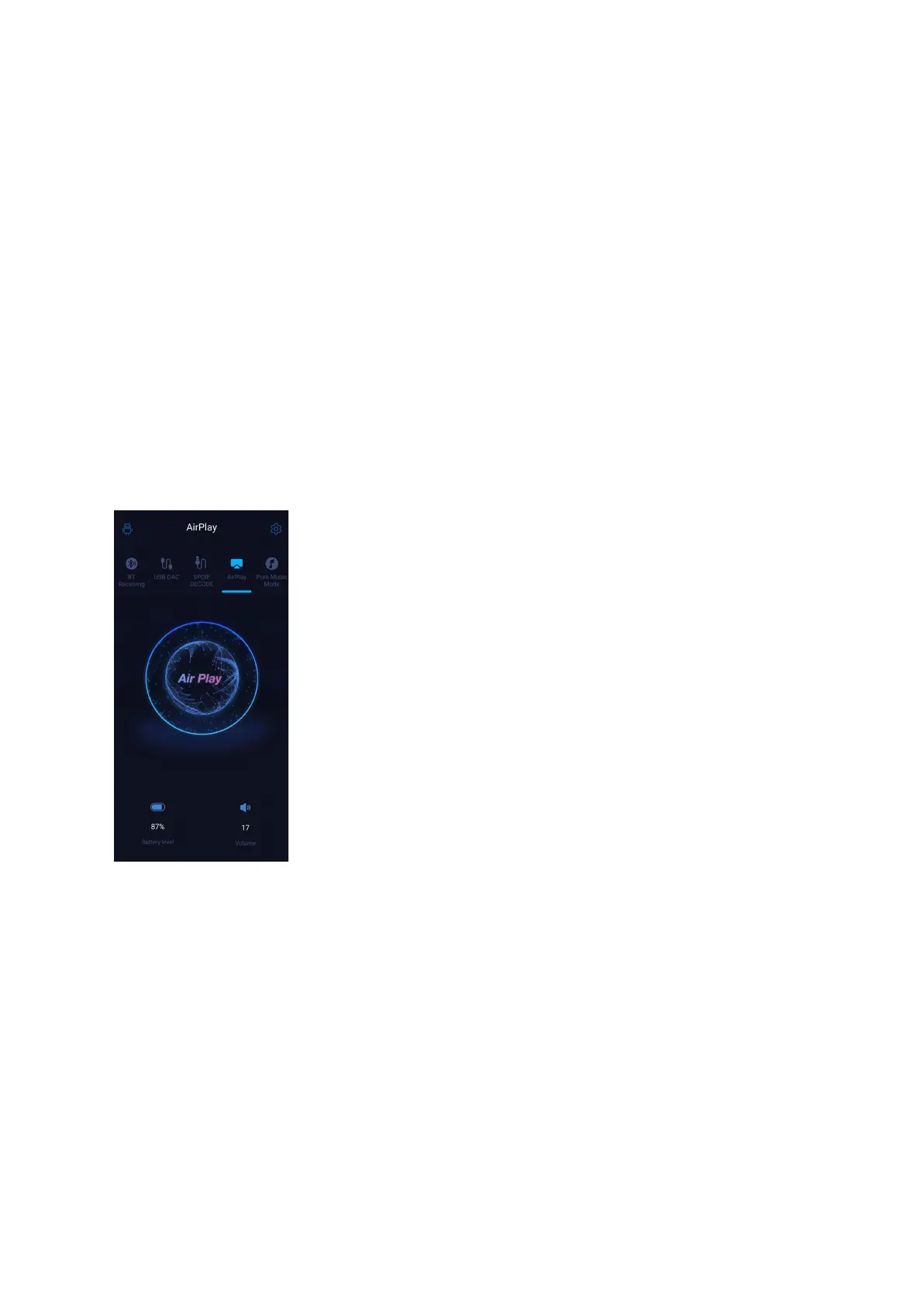
AirPlay
When working in AirPlay mode, the M17 requires a valid WiFi connection. Please confirm
that it is connected to an available network before entering AirPlay mode.
There are mainly 3 steps.
1. Make sure the M17 and your iOS devices are connected to the same WiFi network.
2. Switch the M17 to the AirPlay mode.
3. On the drop-down menu of the iOS device, choose the M17 as the playing device. So the
M17 can receive audio signals from the iOS device.



 To Next Page