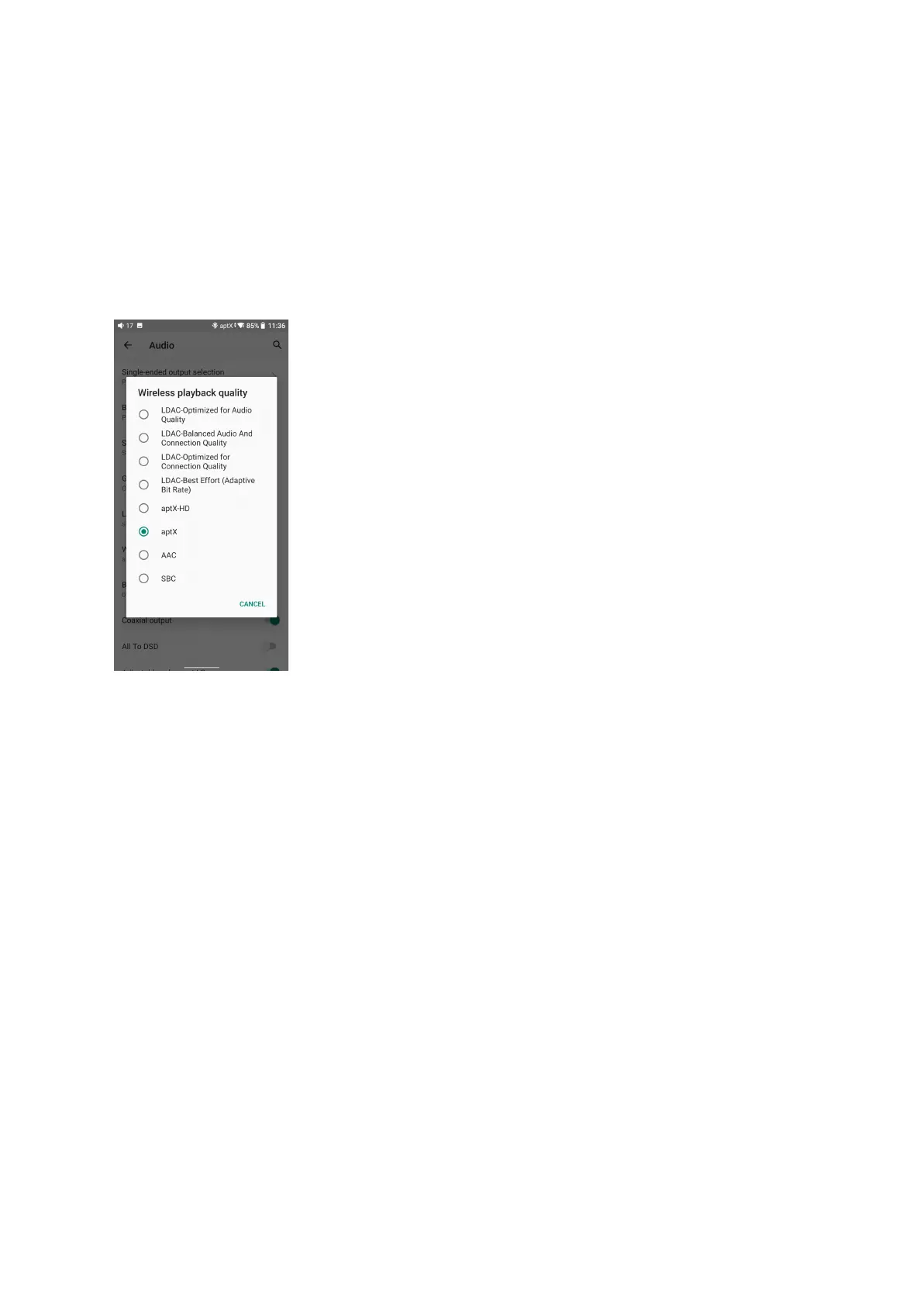
Before connecting to a Bluetooth device, you can select the Bluetooth codec you like in the
M17. Here are the steps.
1) Go to the Settings->Audio menu.
2) Tap Wireless playback quality-> choose the intended Bluetooth codec.
Note:
When the Bluetooth is enabled, the M17 will preferentially connect to the last-connected
available Bluetooth devices.
Bluetooth Receiving mode
1. When switching to the Bluetooth Receiving mode for the first time, the M17 will
automatically enter the pairing state. The next time it enters Bluetooth Receiving mode, it will
reconnect to the last connected device automatically.
2. Go to the Bluetooth transmitting list of the mobile phone, and tap the M17 to complete the
connection.
-Force the device to enter pairing mode: Hold the Play/Pause button for about 3 seconds.



 To Next Page