Tapping the hidden menu on the upper right corner of the screen, you can decide the way of
songs sorted as Sort by date added, Sort by filename and Sort by the first letter.
Bulk management: Play music, WiFi music transfer, Add to my favorites, Add to playlists,
Delete selected, and Exit bulk management.
4. Playing page
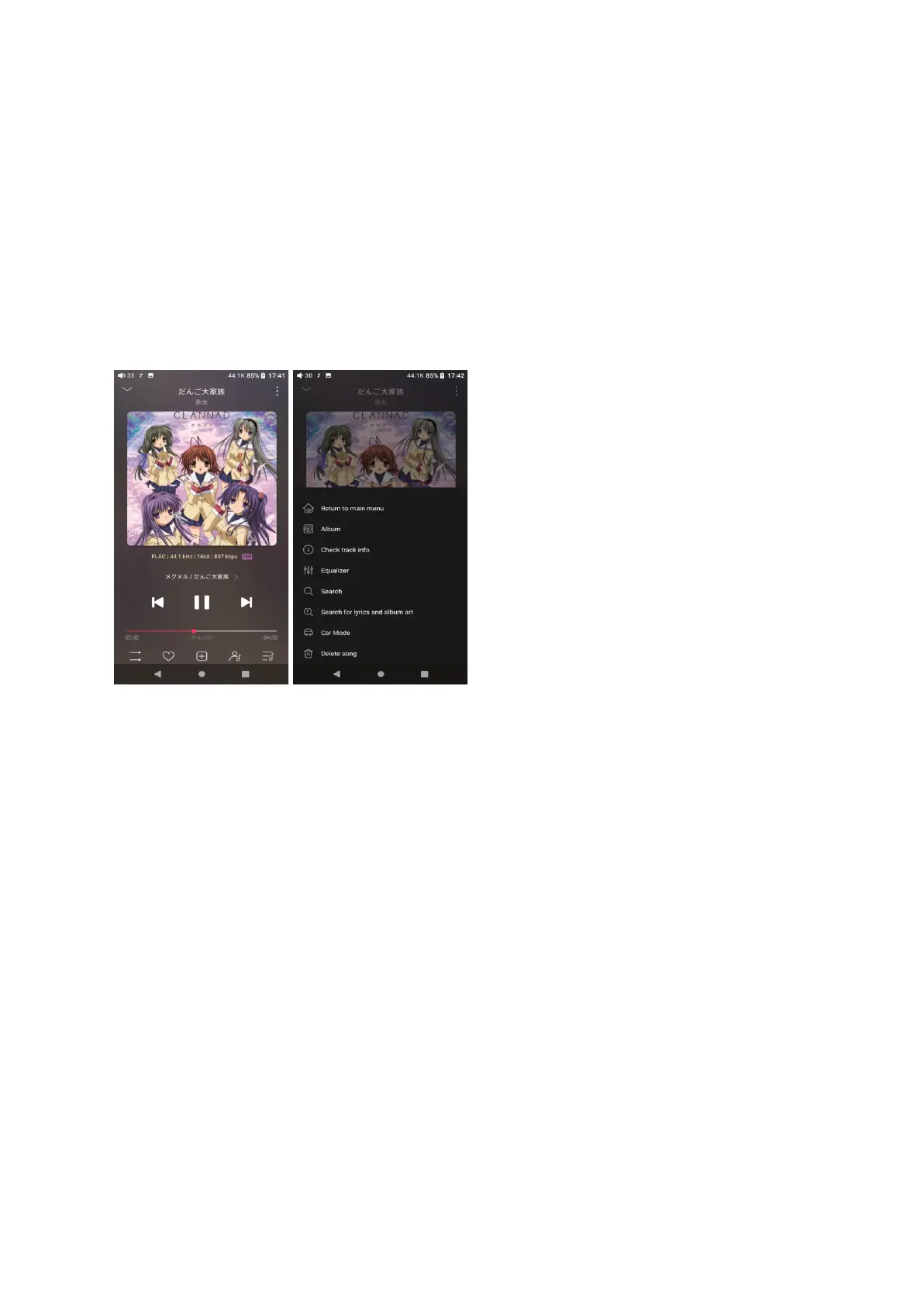
Switch page: by tapping the middle of the album cover, it will switch pages between the
album cover and lyrics circularly. Swipe left and right to switch songs.
Adjust volume: slide up/down on the volume touch panel or press the physical button to
increase/decrease the volume.
Playing progress: slide left and right on the progress bar below the album cover to quickly
adjust the progress of the now playing song.
jump to the corresponding part of the track now playing;
Notes: on the lyrics display page, you can adjust the song progress, lyrics timeline and font
size.



 To Next Page