E
r
r
G
E
r
r
s
E
r
r
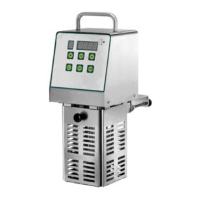
SOUS VIDE
SV25
End of day cleaning
• At the end of the day, unplug the power cable.
• Clean thoroughly using neutral products.
• Clean the external parts of the machine with a damp sponge.
• Do not use steel wool or abrasive cleaning solutions.
Long machine downtime
If the machine is to be left inactive for an extended period of time, disengage the general wall switch, perform general
machine cleaning and cover it with a sheet to protect it from dust.
Error message
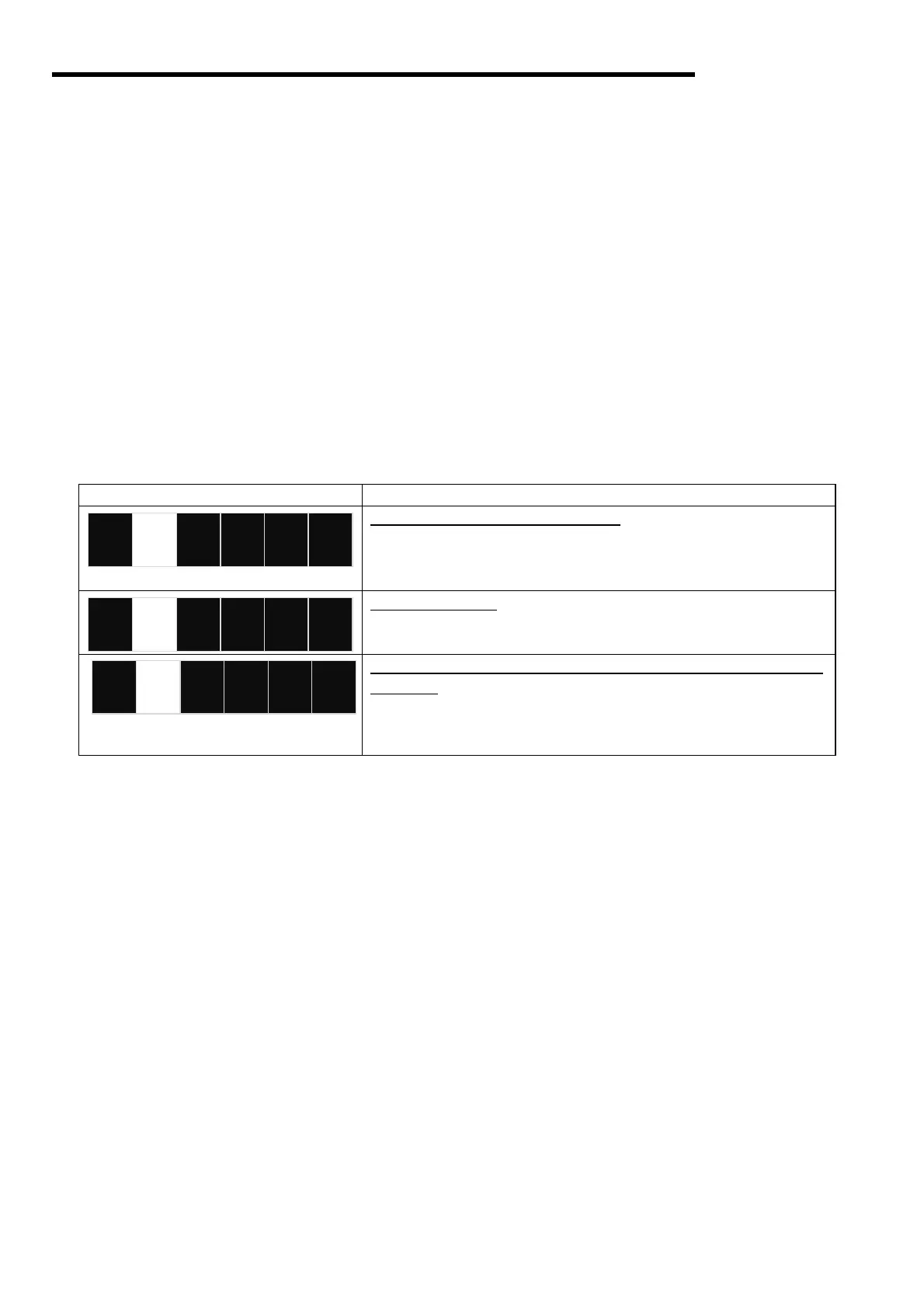
DISPLAY ERROR
Core temperature probe not installed
. Connect the temperature
probe and press
"START" or set the delta value to 0.
If the problem persists, contact technical support.
Overheating error.
Turn the machine off and on again
at the main power switch.
If the problem persists, contact technical support.
Gradient error (due to a lack of water or a sharp difference in tem-
perature). Press start to continue cooking or pause to stop the ma-
chine temporarily.
on the switch at the back.
If the problem persists, contact technical support.
Troubleshooting
In the event of faults or malfunctions, disconnect the main wall switch and contact your dealer's customer service. Do
not disassemble the internal parts of the machine.
The manufacturer declines all liability for any tampering!


 To Next Page