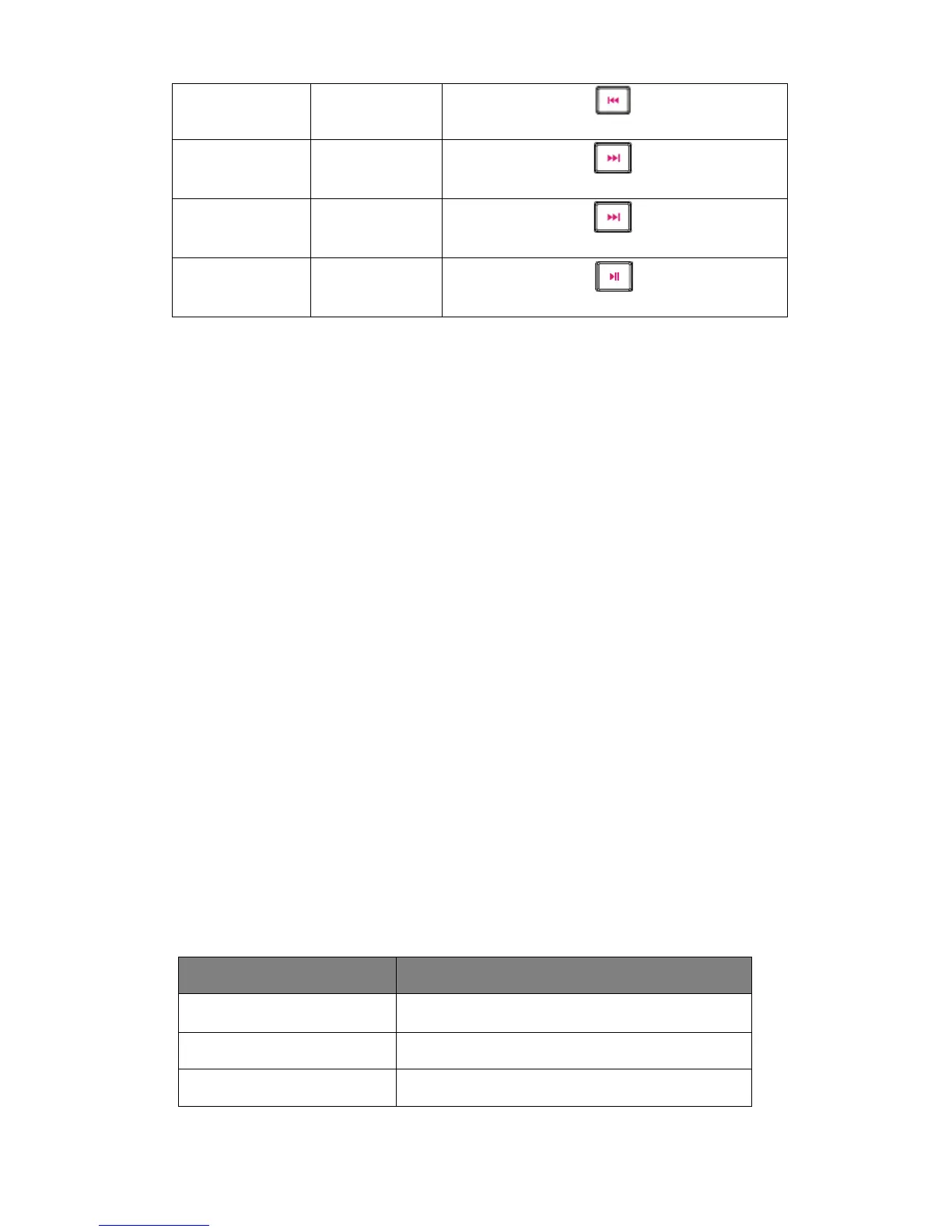
Playing music A short press on the button once
An indication tone will alert you when the volume is adjusted to the maximum level.
Please note that your Bluetooth device must support AVCRP (Audio/Video Remote
Control Profile) in order to operate the above functions.
AUX cable
You may also connect any device with headphone socket using the 3.5mm AUX
cable(included), Connect this cable to your headphone socket of your device and to the AUX
input(3).
Use your media device's music controls to control the music and volume. The volume control will work on
the remote control and the button on back of Garden Speaker, but the rest will not function when using
Garden Speakers as a wired speaker.
Note: When connect AUX cable, the BT mode will disconnect
LED light
Switch on the speaker.
You can short press the LED light button(5), the LED light will bright, and short press this
button again, the LED light will turn off.
Please Note
• Not all mobile phones support all the functions listed above. Please refer to your cell
phone’s user’s manual for further information.
• Certain functions and indication tones maybe vary depending on your mobile phone.
• When the volume is adjusted to max, you will hear an indication tone.
LED indicator
Please refer to the below tables for a list of the LED statuses while using the speaker.
LED Indication
LED indicator Status of the speakers
Red LED Charging
Red LED turns off Charging Completed
Blue LED flashes quickly Pairing mode



 To Next Page