Page 12
DFT8 Reverse Osmosis Filter
User Guide
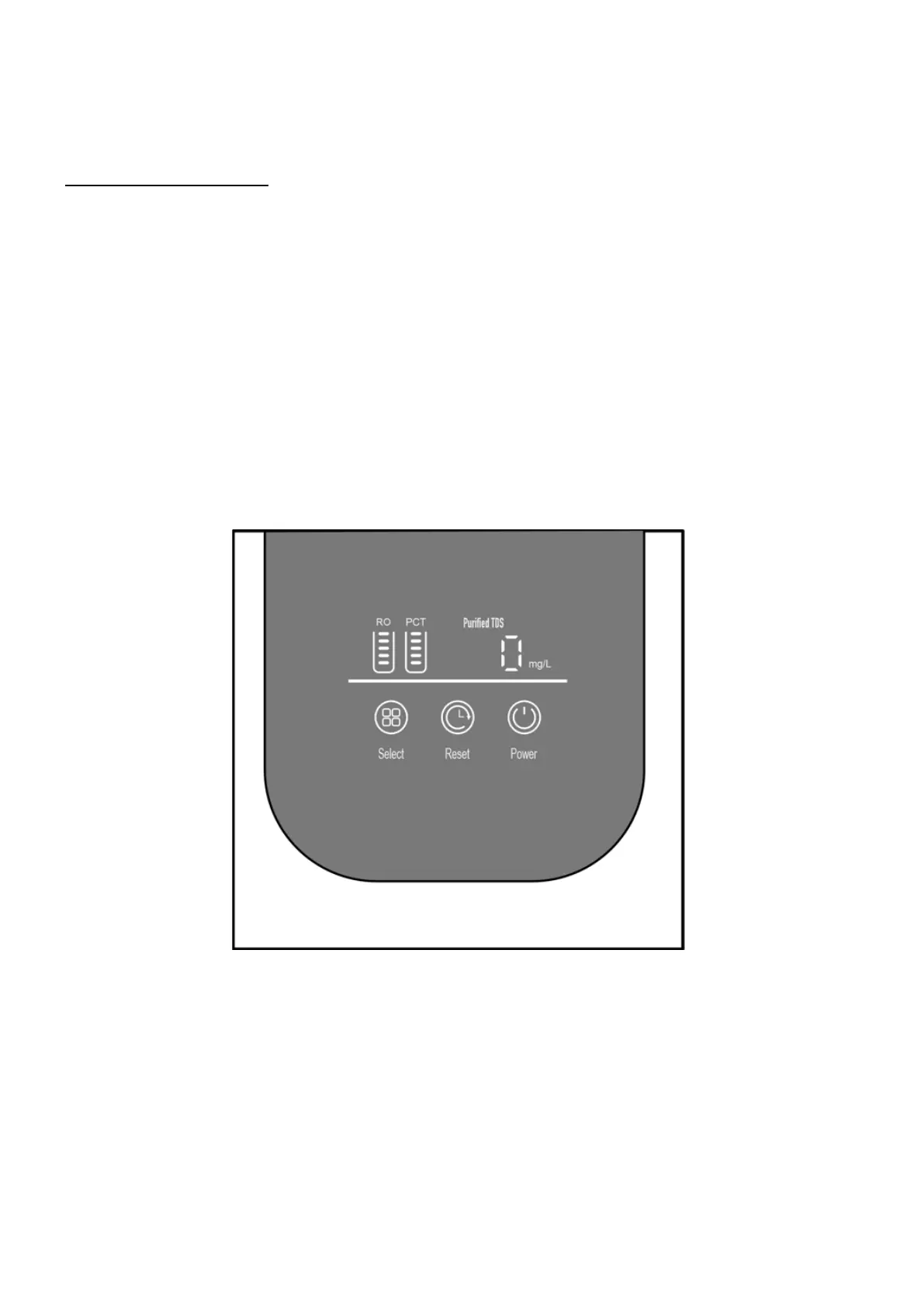
Function Descriptions:
Flushing Status:
• Display Screen (Light Belt): Indicates flushing mode by flashing.
• Upon power on, an automatic 30-second flush initiates.
• Press and hold the select key for 3 seconds for an 18-second flush.
• If water production is continuous for ≥ 30 minutes without mid-cycle flushing, an automatic
18-second flush occurs upon entering the full water standby state.
• After a continuous standby time of ≥ 6 hours without flushing, an automatic 18-second flush
initiates.
•
Water Production Status:
• Display Screen (Light Belt): Indicates water production mode with a racing lantern display.
• Water production mode is activated when the high-voltage switch is closed.



 To Next Page