Automatic Software Updates
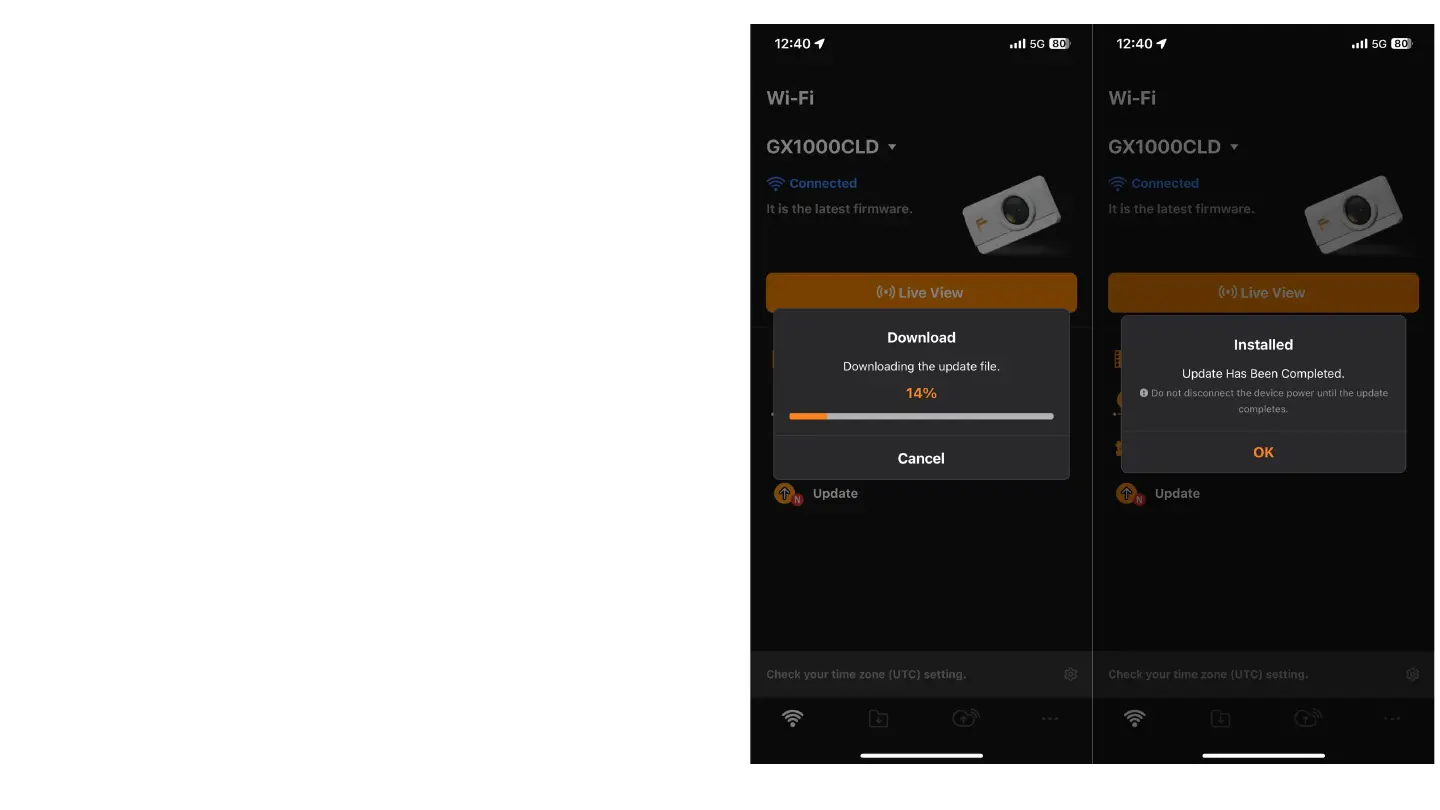
During the initial connection of the camera with
the app, automatic software updates may occur:
1. If updates are available, the app will automatically
start the download and installation process.
2. During the update, wait without closing the app or
disconnecting the camera from the power.
3. When the update is complete, a confirmation message
will appear. Tap "OK" to continue.



 To Next Page