Camera Settings - Basic
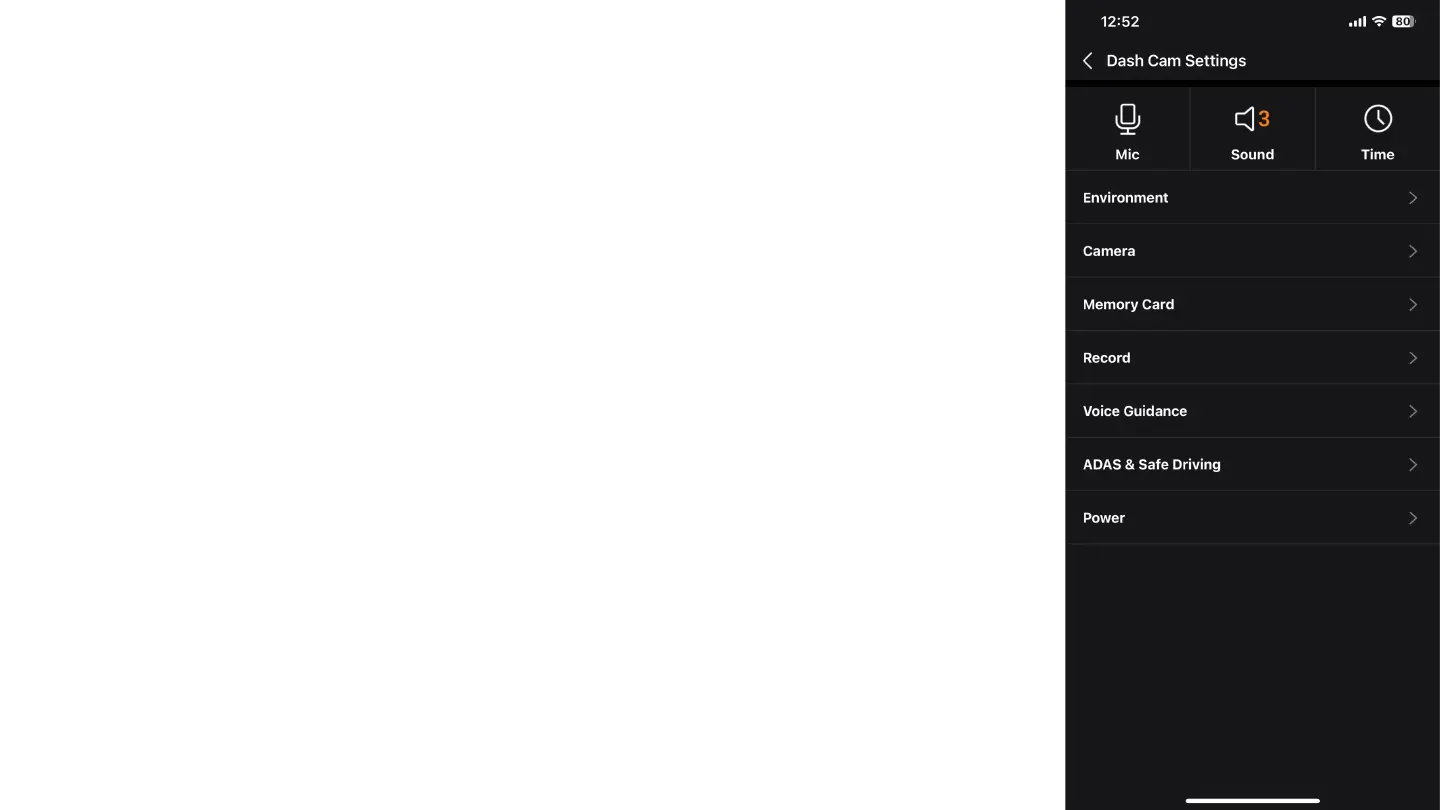
In the basic camera settings, you will find the following options:
Mic: Here you can choose whether the videos recorded by the dash cam will have sound or not.
Sound: Adjust the sound level of the camera for various notifications.
Time: Select the time zone to synchronize the time according to your location (You can enable
automatic synchronization with your phone).



 To Next Page