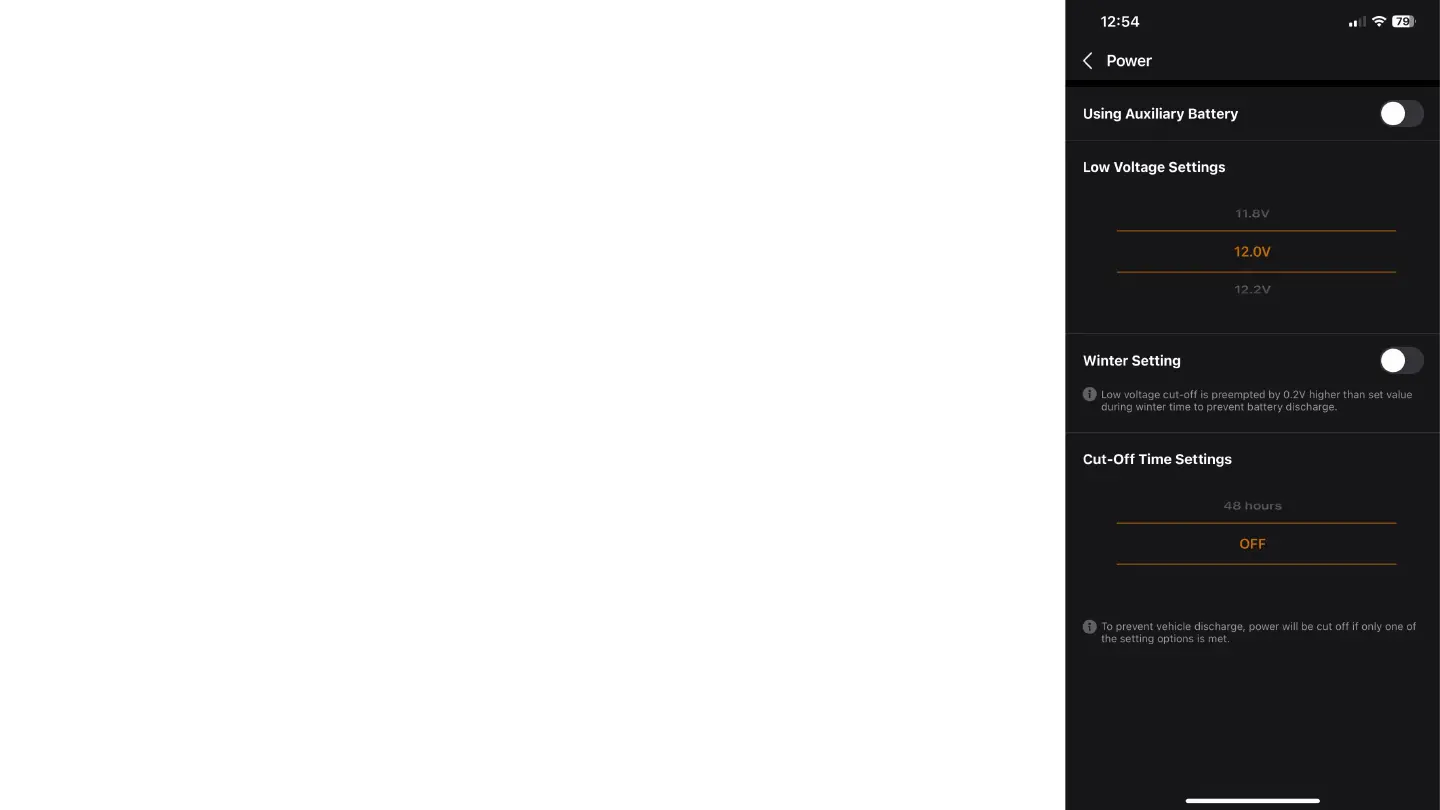
Camera Settings - Power
In the "Power" tab, you can adjust the following options:
In the "Power" tab, you can adjust the following options:
Using Auxiliary Battery: Enable this setting if you are using an auxiliary (backup) battery for the
camera.
Low Voltage Settings: Adjust the voltage at which the camera will turn off to avoid complete
discharge of the vehicle's battery. The camera will only activate in case of a breach.
Winter Setting: Enable this setting to increase the low voltage threshold by 0.2V during the winter,
preventing battery discharge.
Cut-Off Time Settings: Adjust the time interval after which the camera will turn off to avoid battery
discharge.



 To Next Page