Camera Settings - Cloud Upload
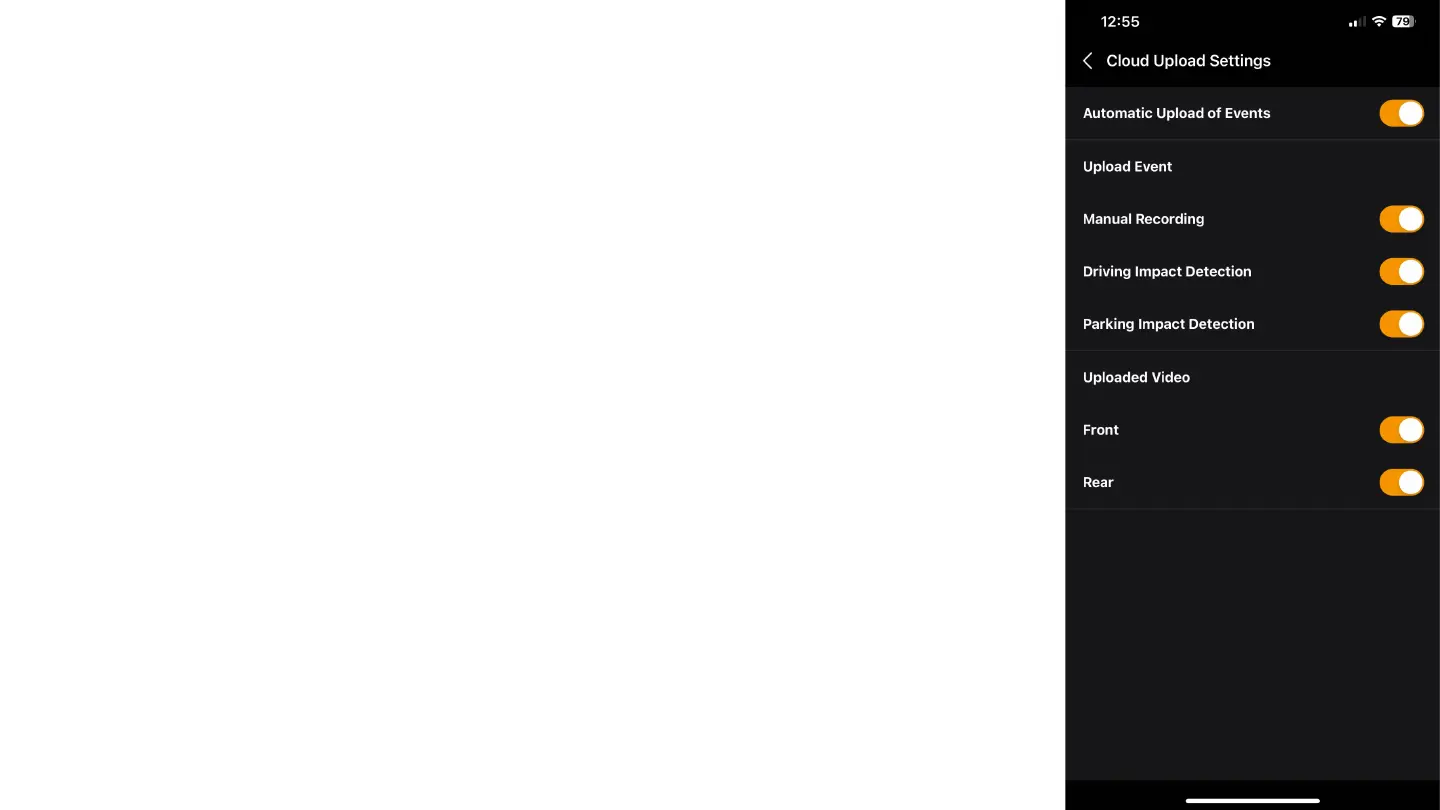
Automatic Upload of Events: Enable this setting to allow the automatic upload of events to the
cloud.
Upload Event:
Manual Recording: Enable to upload videos recorded manually.
Driving Impact Detection: Enable to upload videos in case of collision detection while driving.
Parking Impact Detection: Enable to upload videos in case of collision detection while parked.
Uploaded Video:
Front: Enable to upload videos from the front camera.
Rear: Enable to upload videos from the rear camera.
In the "Cloud Upload Settings" tab, you can adjust the following options for managing the automatic video
upload to the cloud:



 To Next Page