Confirming Connection and Selecting
the Camera
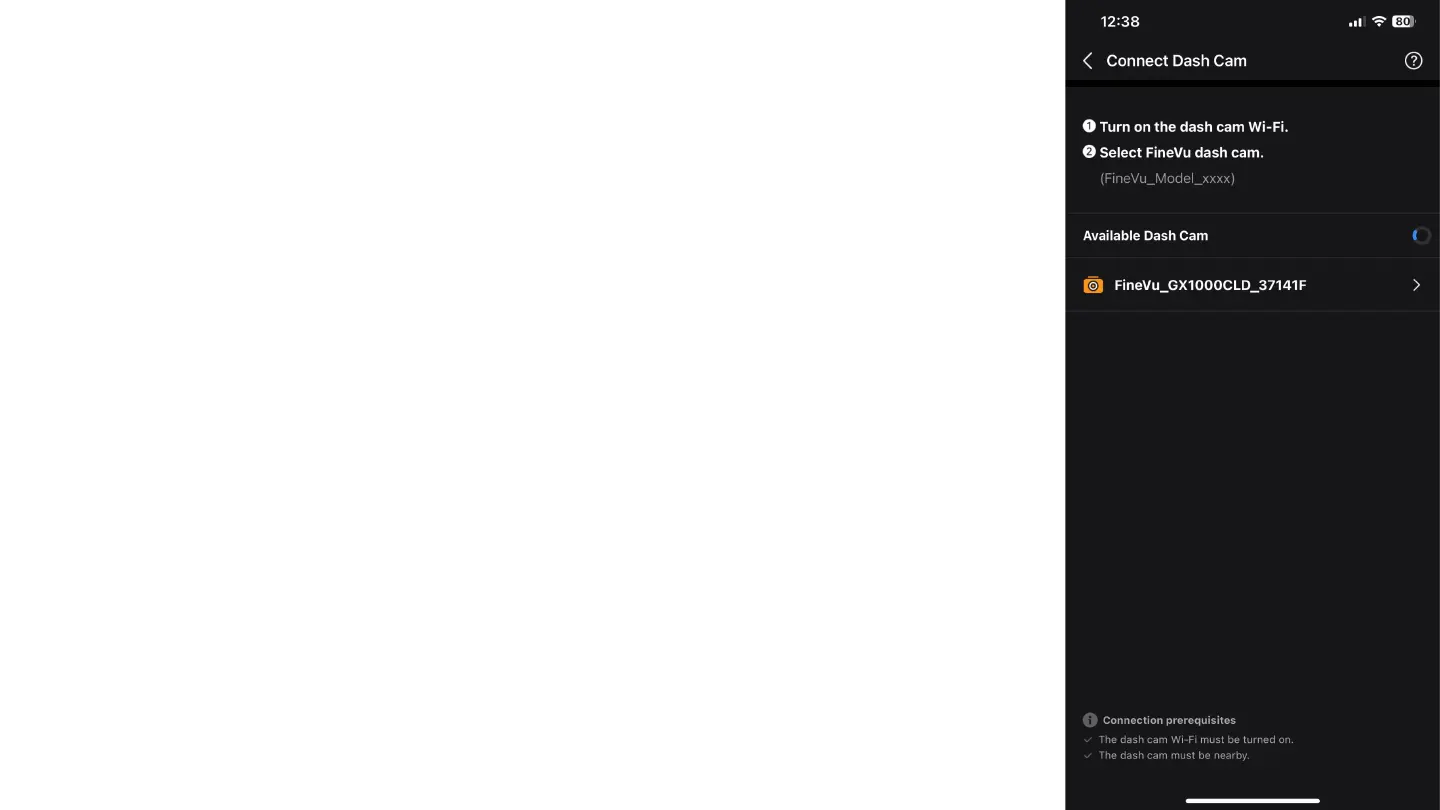
After enabling Wi-Fi on the dash cam, the app will search for
available cameras.
On the screen, the available camera will appear with the
name "FineVu_GX1000CLD_xxxx," where "xxxx" is a unique
code for each camera.
Tap on the camera name to select and connect to it.



 To Next Page