Change measurement settings. You can change
any of the measurement settings by pressing and
holding down the power button while the
desired setting is highlighted. Selecting +/- and
holding down the power button will set the way
the numbers are changed (+ to increase the
number, and – to decrease the number).
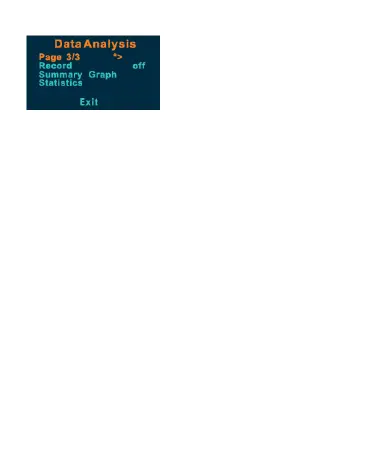
Data Analysis
Enter data analysis mode. Hold down the power
button to scroll between pages until you reach
the data analysis page 3/3 as shown above.
Begin a new analysis. Select Record. Hold down
the power button until the record status is on.
When the prompt asks to delete all data, select
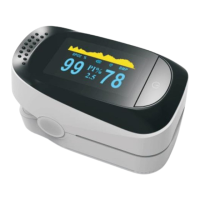
OK. Return to page 3/3 and select Exit. Insert the


 To Next Page