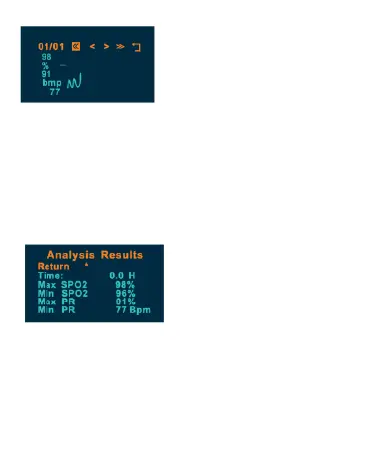
From the data analysis page, select Statistics by
holding down the power button to bring up the
Analysis Results screen as shown below. You will
see elapsed time in hours (H), which is the
measurement duration. You will also see the
minimum and maximum SpO2 and PR.
Note: Summary graph and statistics cannot be
opened if data has not been recorded.


 To Previous Page