1312
HOW TO USE: LOADING MUSIC
• Storage capacity is 4GB (about 1000 songs)
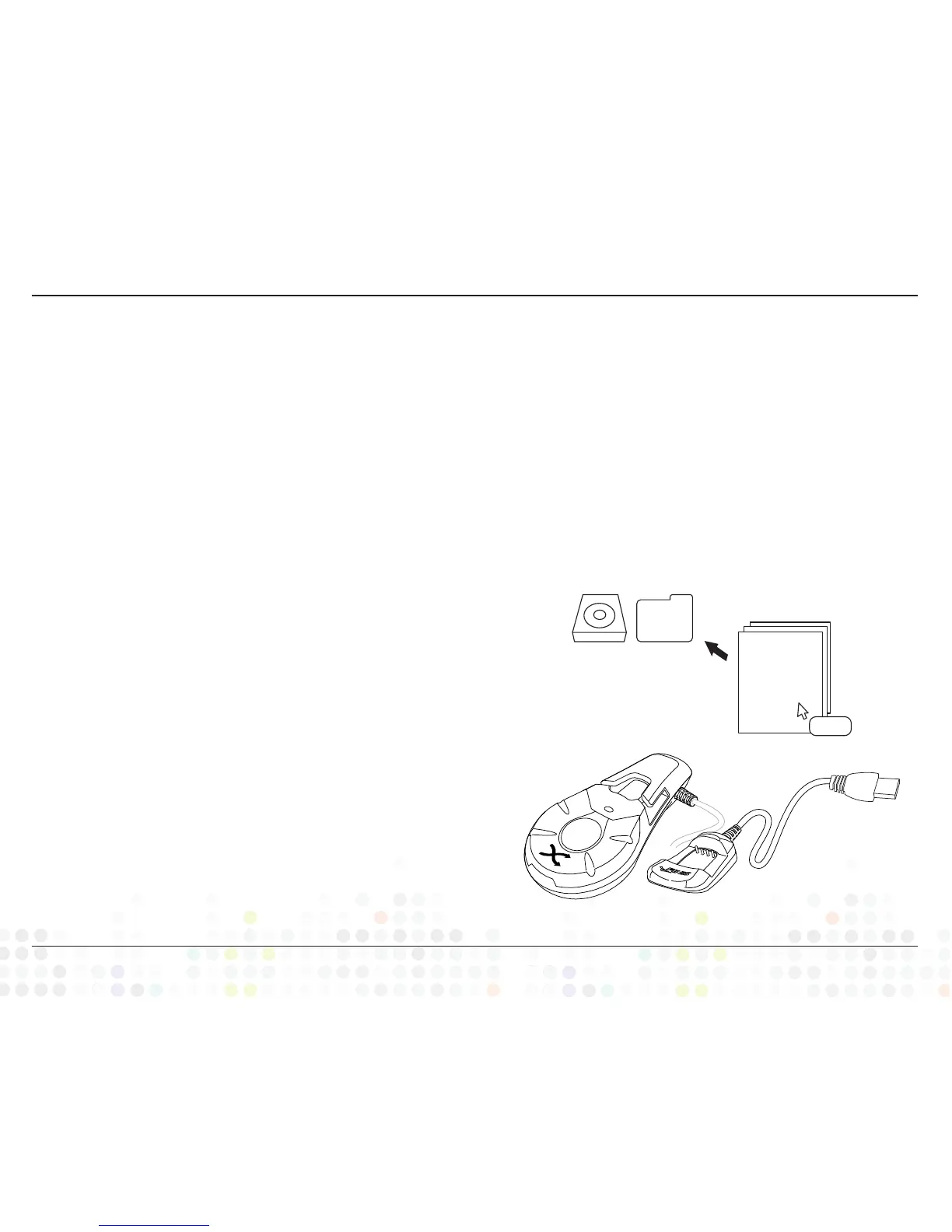
• Directly connect the USB into your computer’s USB
port (your computer will automatically recognize
the device)
• Confirm that all desired songs were loaded by
opening the FINIS Duo drive
• Any unsupported audio files in the FINIS Duo drive
will not play on the device
• To DELETE songs, open the FINIS Duo drive and
delete desired songs by right clicking or pressing
“delete” key on keyboard
A. LOADING FOR WINDOWS® USERS:
• Open the FINIS Duo drive
• Location: “My Computer”
• Open any folder on your computer that contains MP3
and WMA music formats
• Drag and drop music files into the FINIS Duo drive,
status bar will appear while loading
B. UPLOADING THROUGH WINDOWS
MEDIA PLAYER®:
• Open Windows Media Player music library
• FINIS Duo drive will automatically appear in the
Sync tab
• Drag and drop music files into the FINIS Duo drive,
status bar will appear while loading
• Press ‘Start Sync’ when ready to upload
• Using Windows Media Player will create an .xml
document for all uploaded songs. Do NOT delete the
.xml document unless you are removing all songs
C. LOADING FOR MAC® USERS:
• Open the FINIS Duo drive
• Location: “Desktop”
• Open any folder on your computer that contains MP3
and WMA music formats
• Drag and drop music files into the FINIS Duo drive,
status bar will appear while loading
MAC PC
.mp3
+Copy


 To Next Page