5.
Uploading Songs
Supported Audio Files
SONG TYPE HOW TO UPLOAD SONGS
Non Protected MP3, AAC and WMA
Drag and Drop directly onto the
drive
Purchased AAC Files from iTunes
®
Convert to MP3 files in iTunes
®
,
then drag and drop directly on the
drive
Protected MP3, AAC and WMA Not Compatible
*View song properties to check if song is protected
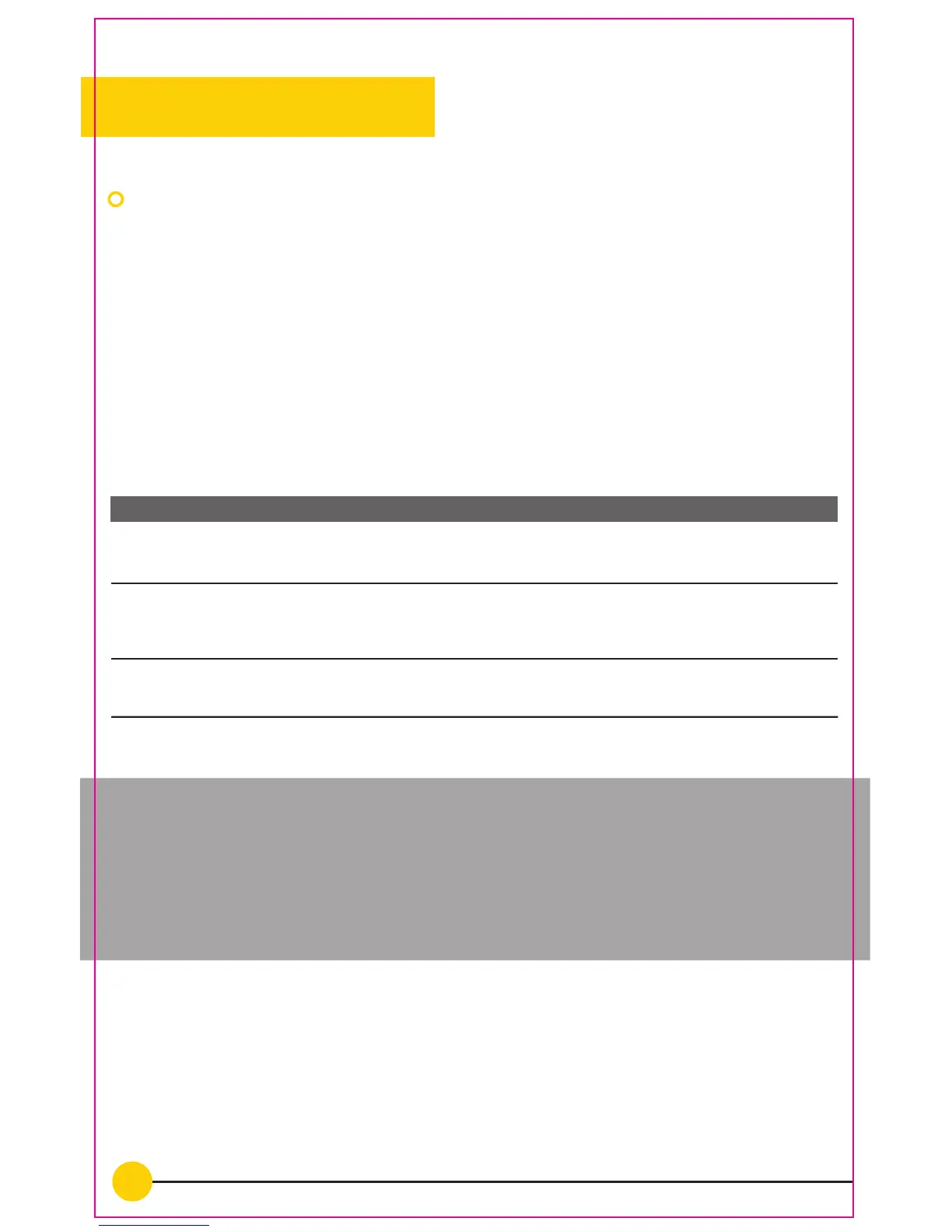
The storage capacity of Neptune is 4GB or around 1000 songs.
Tip: If the Neptune is freezing or running slow, there may be
non-compatible songs on the device. With the Neptune plugged into
the computer, open up the “FINIS” drive and make sure the ‘Type’
column is visible to view the song types. Delete any non-compatible
songs off of the “FINIS” Drive.
The Neptune allows for non protected MP3, AAC and WMA files to be
directly dragged and dropped onto the “FINIS” drive. Purchased AAC
files must be converted to MP3 files in iTunes
®
before they can be
transferred to the “FINIS” drive. Please see the below table for
supported audio files and how to upload the songs to the Neptune.


 To Next Page