Notes:
After loading songs using Windows Media
Player, an automated .xml document will
appear on the
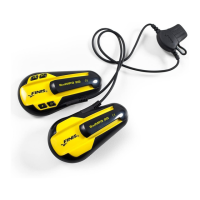
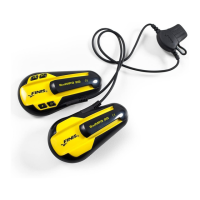
SwiMP3™ 2G
Disk Drive. Do
NOT
delete this .xml document unless
removing all the songs from the player.
Protected audio files do NOT play on the
SwiMP3™ 2G
. You can check the Media
Usage Rights by right-clicking on the
desired song and choosing properties.
Visual walkthroughs are available at
http://Support.FINISinc.com
13


 To Next Page