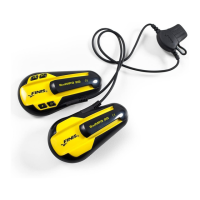
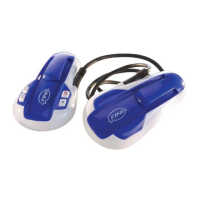
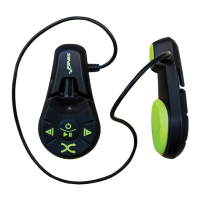
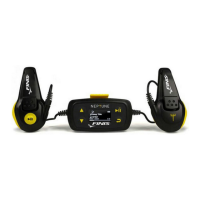
Charging
1) Pull the cap off the USB connector
2) Make sure both the USB connector and
the SwiMP3™ 2G are completely dry
before connecting
3) Insert the exposed USB connector into one
of the USB ports on your computer or into
a USB wall charger. Make sure the
connector is properly oriented so that the
contact points are lined up to create a
secure connection (FINIS logo should be
facing up or to the right when connected to
the USB port)
4) The SwiMP3™ 2G’s internal Lithium-ion
battery will constantly charge through the
USB Port
5) A full charge should take approximately
three (3) hours, and provide at least eight
(8) hours of playback
6) While charging through a computer or
wall charger, the green indicator light will
flash at a slow pace
7) Safely remove the SwiMP3™ 2G when the
charge is complete
22


 To Next Page