3) Drag-and-drop or copy/paste the selected
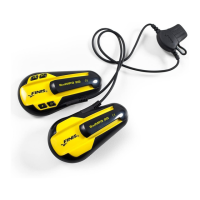
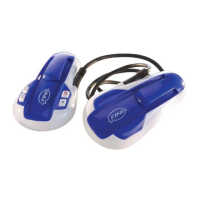
songs onto your SwiMP3™ 2G Disk Drive
Notes:
You can also find “Create MP3 Version”
under the “Advanced” menu (located at
the top left of your iTunes screen)
Protected AAC Audio Files do NOT play on
the SwiMP3™ 2G and CANNOT
be
converted to a playable format due to
Media Usage Rights
Most Purchased AAC Audio Files can be
converted to MPEG, but a few older
Purchased AAC Audio Files will not
convert
For Windows Vista and 7 users, “My
Computer” will be titled “Computer”
Visual walkthroughs are available at
http://Support.FINISinc.com
16


 To Next Page