Formatting on a MAC:
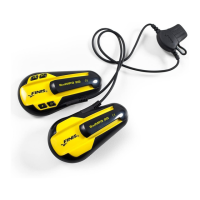
1) Plug in your SwiMP3™ 2G into your MAC
and locate the “NO NAME” icon that
appears on your desktop
2) Open you open “NO NAME”, choose
“Applications” from the menu on the left
3) In the Applications window, locate the
“Utilities” folder and open it
4) In the Utilities window, locate the “Disk
Utility” folder and open it
5) In the Disk Utility window, click on your
“NO NAME” drive located in the menu to
your left
6) New information will appear in the middle
of the display, and you should choose the
“ERASE” tab
7) In the Erase tab, change the Volume
Format to MS DOS File System
8) Once you click on the Erase button, you
will be prompted a warning; click OK
9) Once the format is complete, close the
window and reload your songs
29


 To Next Page