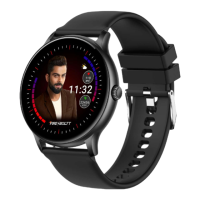
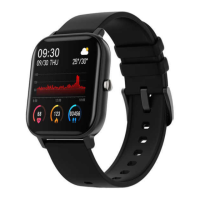
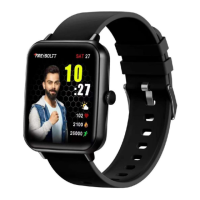
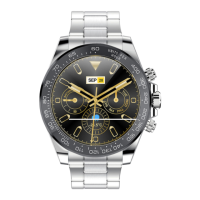
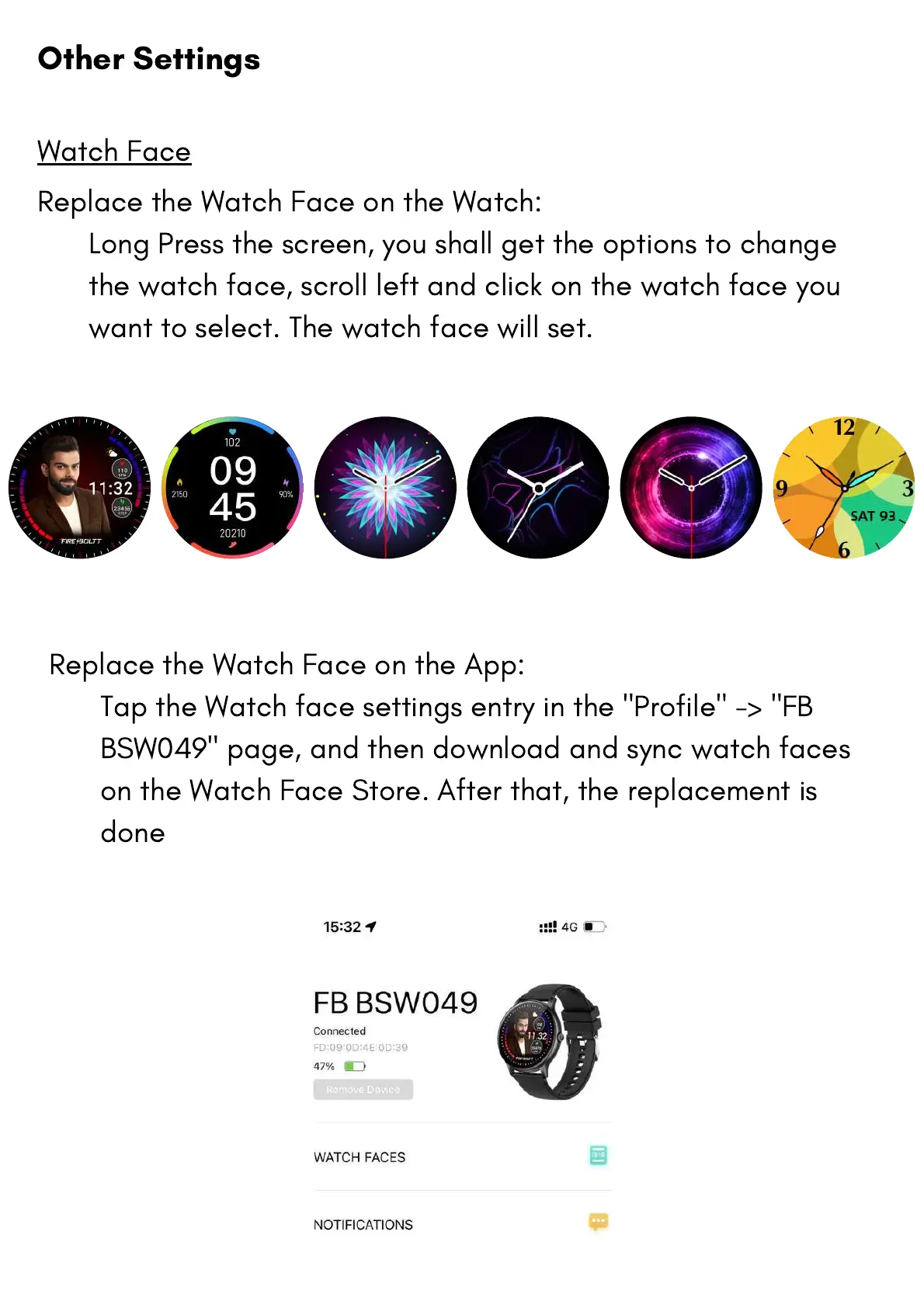
Replace the Watch Face on the App:
Tap the Watch face settings entry in the "Profile" -> "FB
BSW049" page, and then download and sync watch faces
on the Watch Face Store. After that, the replacement is
done
Replace the Watch Face on the Watch:
Long Press the screen, you shall get the options to change
the watch face, scroll left and click on the watch face you
want to select. The watch face will set.
Watch Face
Other Settings


 To Next Page
 Loading...