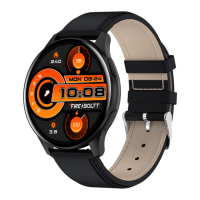
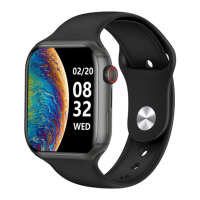
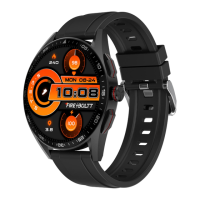
Need help?
Do you have a question about the Fire Boltt BSW049 and is the answer not in the manual?
Instructions for acquiring and setting up the Da Fit mobile application for smartwatch integration.
Step-by-step guide to connect the smartwatch to the Da Fit app via Bluetooth.
How to activate and configure the watch for making and receiving calls.
Includes disconnecting, adding contacts, and switching calls between devices.
Explains how to navigate the watch interface using swipes and gestures.
Details actions performed by short and long presses of the watch's side button.
Guidance on proper watch wearing for sensor accuracy and instructions for charging the device.
How to track daily steps, distance, calories, and sleep quality.
Accessing and utilizing the watch's extensive library of workout modes.
Instructions for measuring heart rate and blood oxygen saturation (SpO2).
Using the watch for calls, breathing exercises, games, weather, and media control.
How to change and set different watch faces on the watch and via the app.
In-depth explanations for stopwatch, timer, alarm, and menu view settings.
Managing brightness, reset, power off, vibration, and call connection.
How to enable and view notifications from various apps on the watch.
Managing alerts for incoming calls, inactivity, goal achievements, and alarms.
How to select and initiate various workout modes supported by the watch.
 General
| Display Type | LCD |
|---|---|
| Bluetooth | Yes |
| Water Resistance | IP67 |
| Heart Rate Sensor | Yes |
| SpO2 Sensor | Yes |
| Bluetooth Version | 5.0 |
| Compatibility | Android & iOS |
| Sports Modes | Multiple |
| Strap Material | Silicone |
| Weight | 50 grams |
| Charging Time | 2 hours |
| Sensors | Heart Rate, SpO2 |

 To Next Page