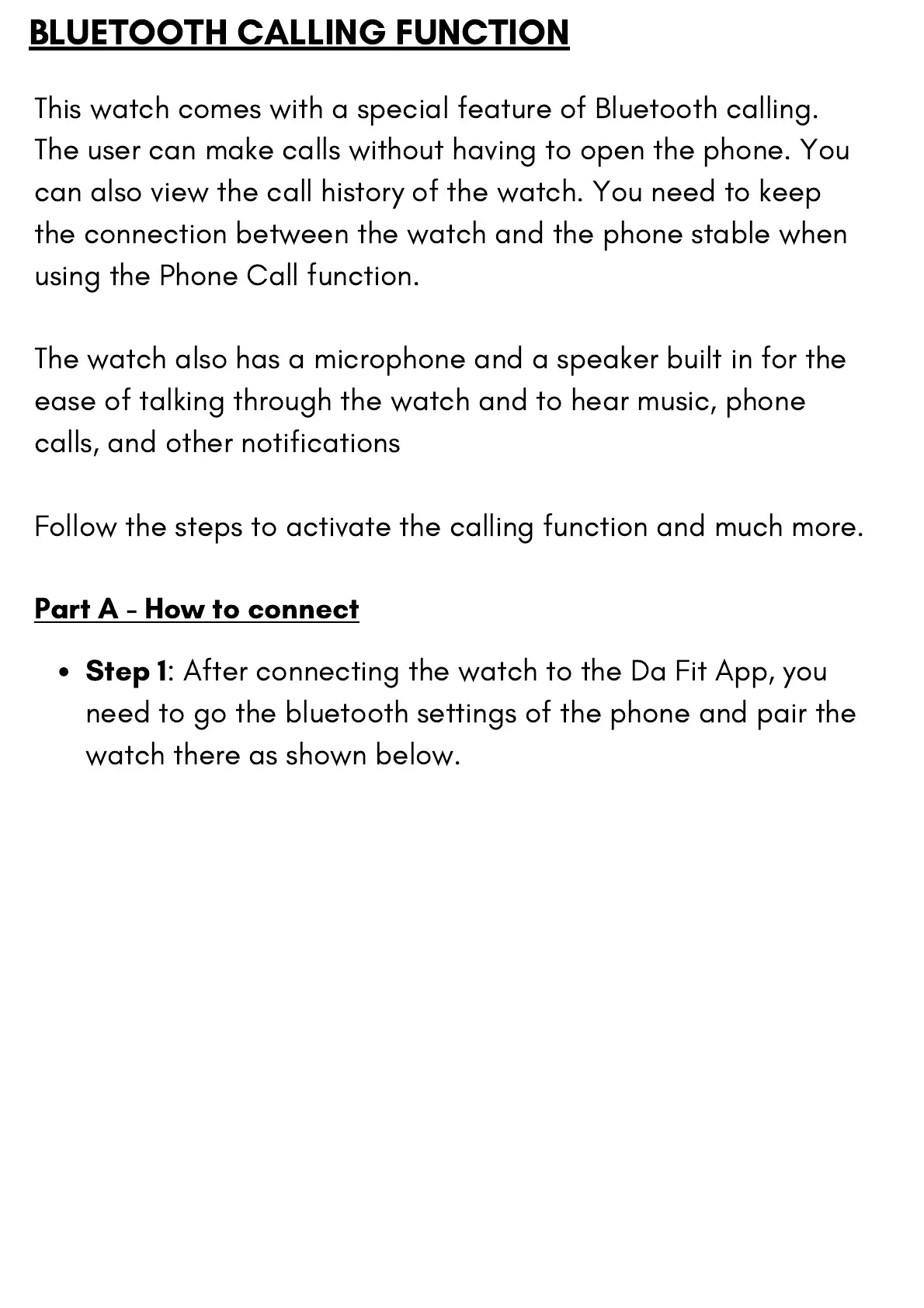
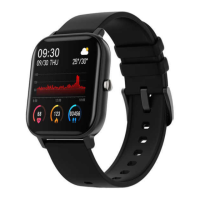
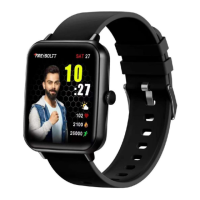
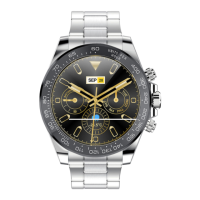
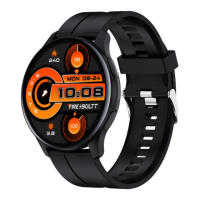
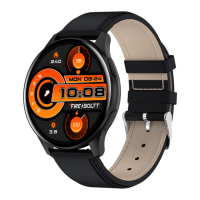
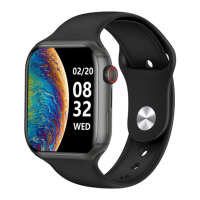
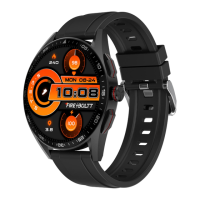
This watch comes with a special feature of Bluetooth calling.
The user can make calls without having to open the phone. You
can also view the call history of the watch. You need to keep
the connection between the watch and the phone stable when
using the Phone Call function.
The watch also has a microphone and a speaker built in for the
ease of talking through the watch and to hear music, phone
calls, and other notifications
Follow the steps to activate the calling function and much more.
Step 1
: After connecting the watch to the Da Fit App, you
need to go the bluetooth settings of the phone and pair the
watch there as shown below.
BLUETOOTH CALLING FUNCTION
Part A - How to connect


 To Next Page