Part D - Switch calls between Phone or Watch
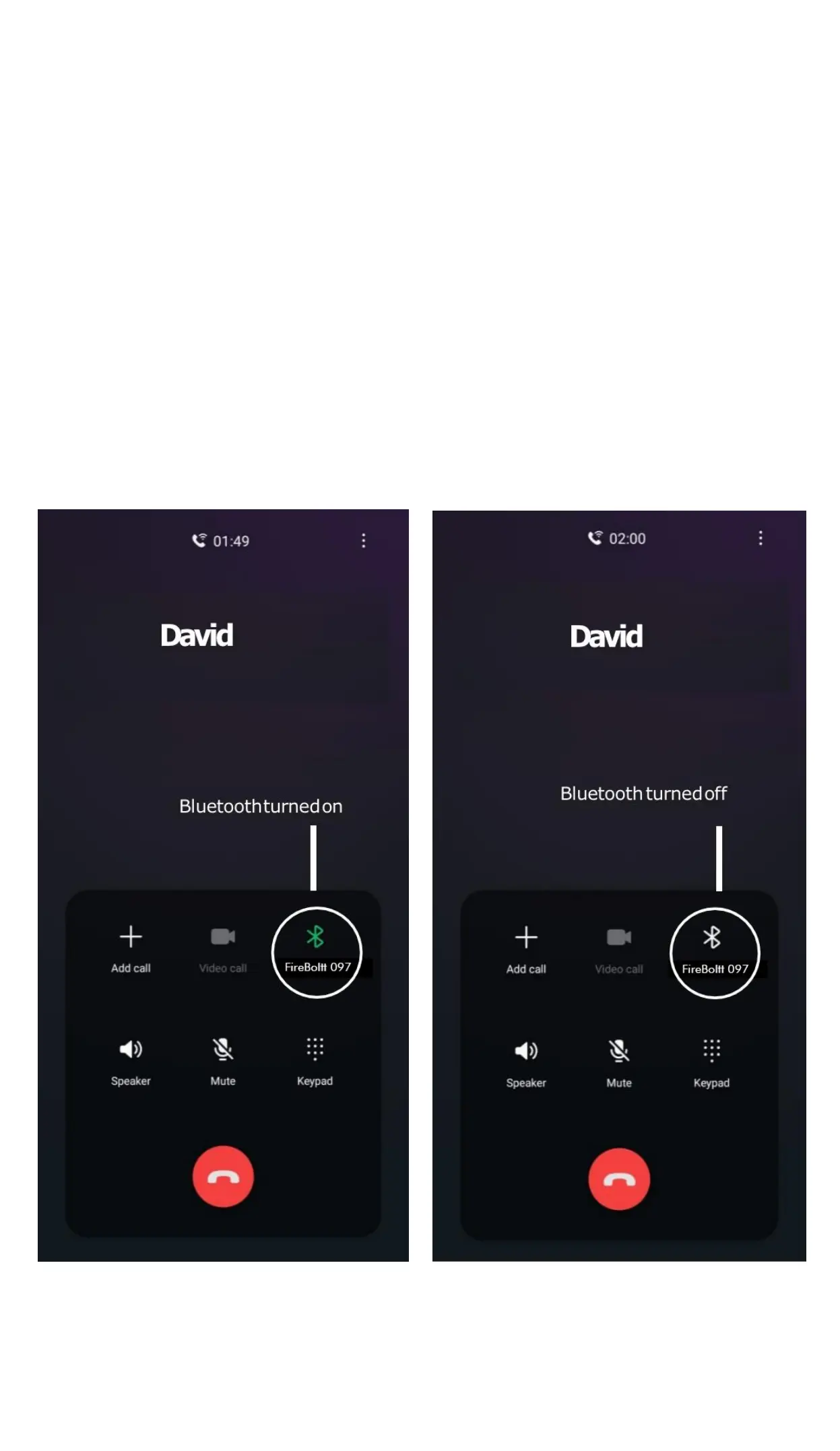
Switch Between Watch or Phone During an Active
Call:
If your watch is connected to the Phone via
Bluetooth,all calls will come on the watch by
default. If you want to change the call to the phone
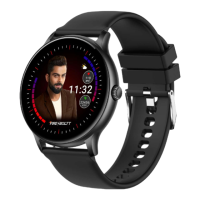
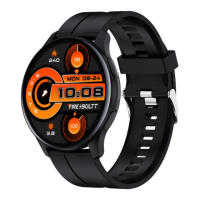
during an active call, simply click on FireBoltt 097
Bluetooth icon to select. The call will then come on
your phone.


 To Next Page