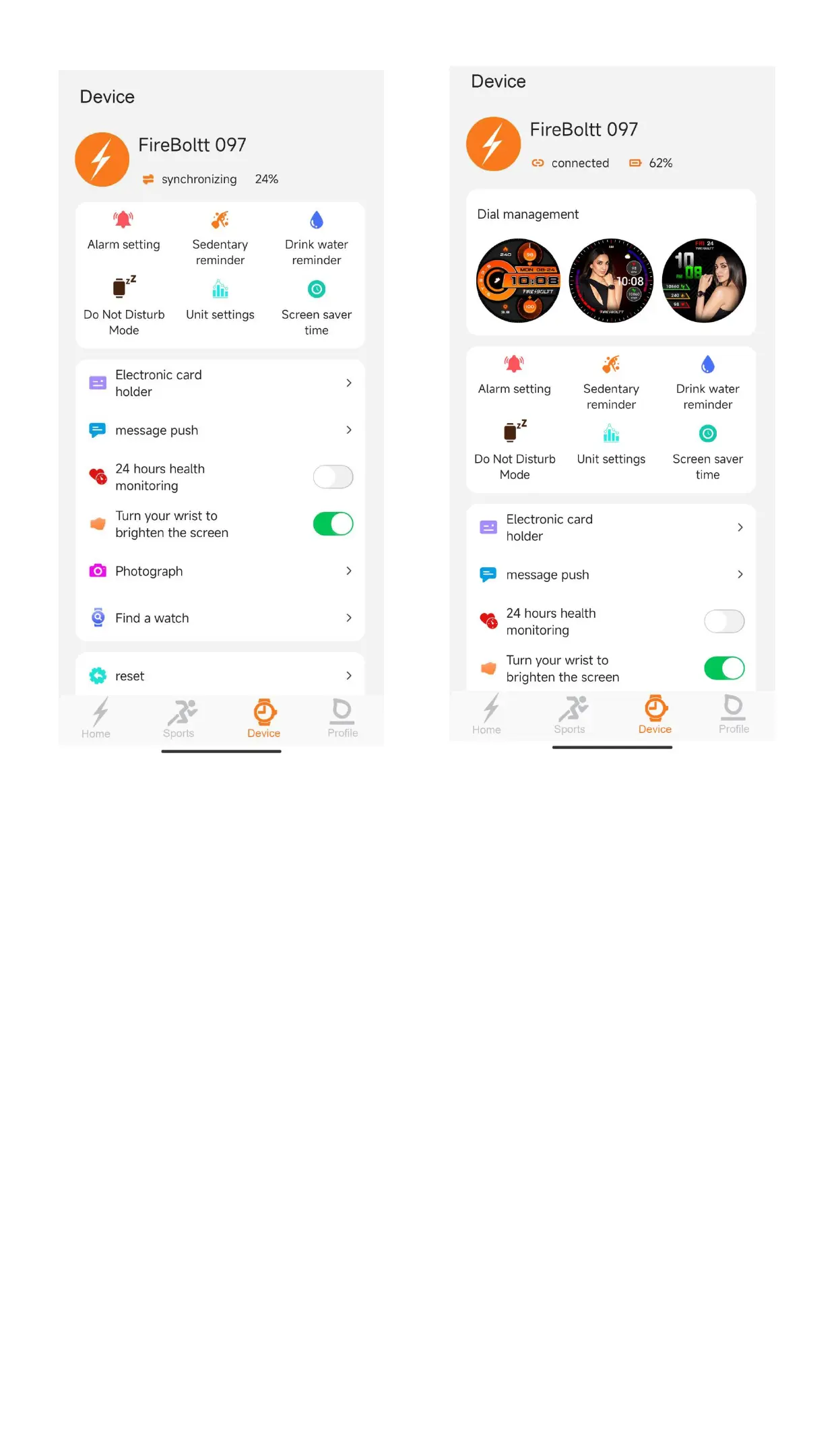
Click the device with corroct After synchronizing the data
Name and MAC address from watch.APP will show
(You can the device name “Connected”.It means the
from watch setting menu- watchmis connected with
”About “).After connecting, FB Invincible Plus App.
APP will show device name.
And dispay “synchronizing”
There are two different contents of APP displaying
after successfully connecting APP with smart watch,
based on Android system and iOS system.
Please check the following contents for Androis
system and iOS system.
How to connect watch with smartphone bluetooth:


 To Next Page