10
In both modes you will notice a
symbol appear briey in the top left hand
cornerofthescreenonceeveryminute.This
isanadditionalindicationtoshowyouthat
thealarmisoperatingaswellastheashing
greenLED.
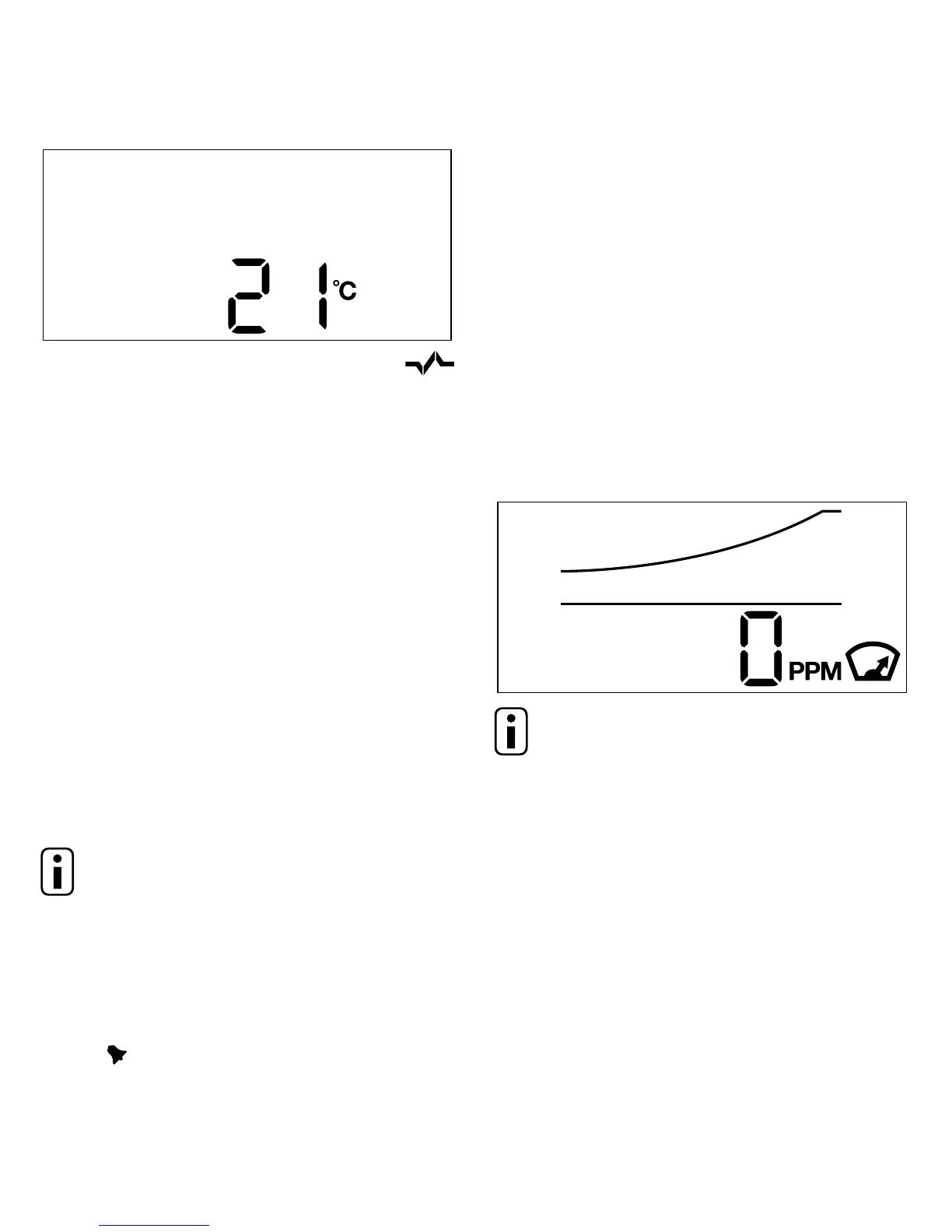
ToswitchbetweenCOandtemperatureview,
simply press the Test/Mode button briey.
The unit will also soundwhen pressingthe
button to switch between the two display
modes.
You will also notice that when switching
between modes the display will change
slightly,thisisbecausethealarmisdisplaying
the Peak Level CO reading that it has
recordedinthelast4weeks,pleaseseethe
followingpeaklevelreadingfeaturesection
forfurtherdescription.
NOTE: If the alarm is in temperature
viewanddetectsCOitwillautomatically
switchbacktoCOdisplaymode.
Power pack, sounder and circuitry test
PressingtheTest/Modebuttonwillalsotest
thepowerpack,sounderandcircuitryofthe
alarm.TheunitwillsoundandthealarmLED
below will illuminate red. You should
performthistestonceperweek.
Peak Level Reading feature
Thealarmwillrecordthehighestreadingof
COthatishasdetectedinthelast4weeks.
This information is useful if your alarm has
soundedsoyoucanseethehighestlevelof
COdetectedduringthattime.Itisalsouseful
tocheckperiodicallytoseeifareadablelevel
ofCOhasbeendetectedforashorttime,but
notlongenoughtotriggerafullalarm.The
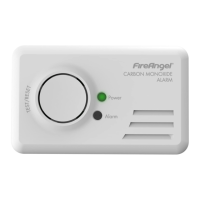
peaklevelreadingisshownbrieyeverytime
youpresstheTest/Modebuttonandwilllook
somethingliketheimagebelow.
NOTE: It is possible and quite normal
for the peak level to remain at 0ppm,
i.e.thissimplymeansthatthealarmhasnot
detectedanyCOinthelast4weeks.
ThePeakLevelreadingwillberesetto0ppm
whenever a Sensor Test is carried out. (See
thenextsectionforSensorTest).



 To Next Page