Take a Video (Manual)
Turn ON the camera by pressing the Power button.
The camera beeps 3 times with lens/status twin LEDs flashing Red and the Charger LED
flashing Blue. At the fourth beep, the camera automatically starts recording slow blinking twin
status LEDs Red and flashing Lens LED Red. To STOP recording, press the STOP button once
and camera is in Standby mode after 2 beeps and all LEDs steady RED. To completely switch
OFF the Camera, Long Press the Power button.
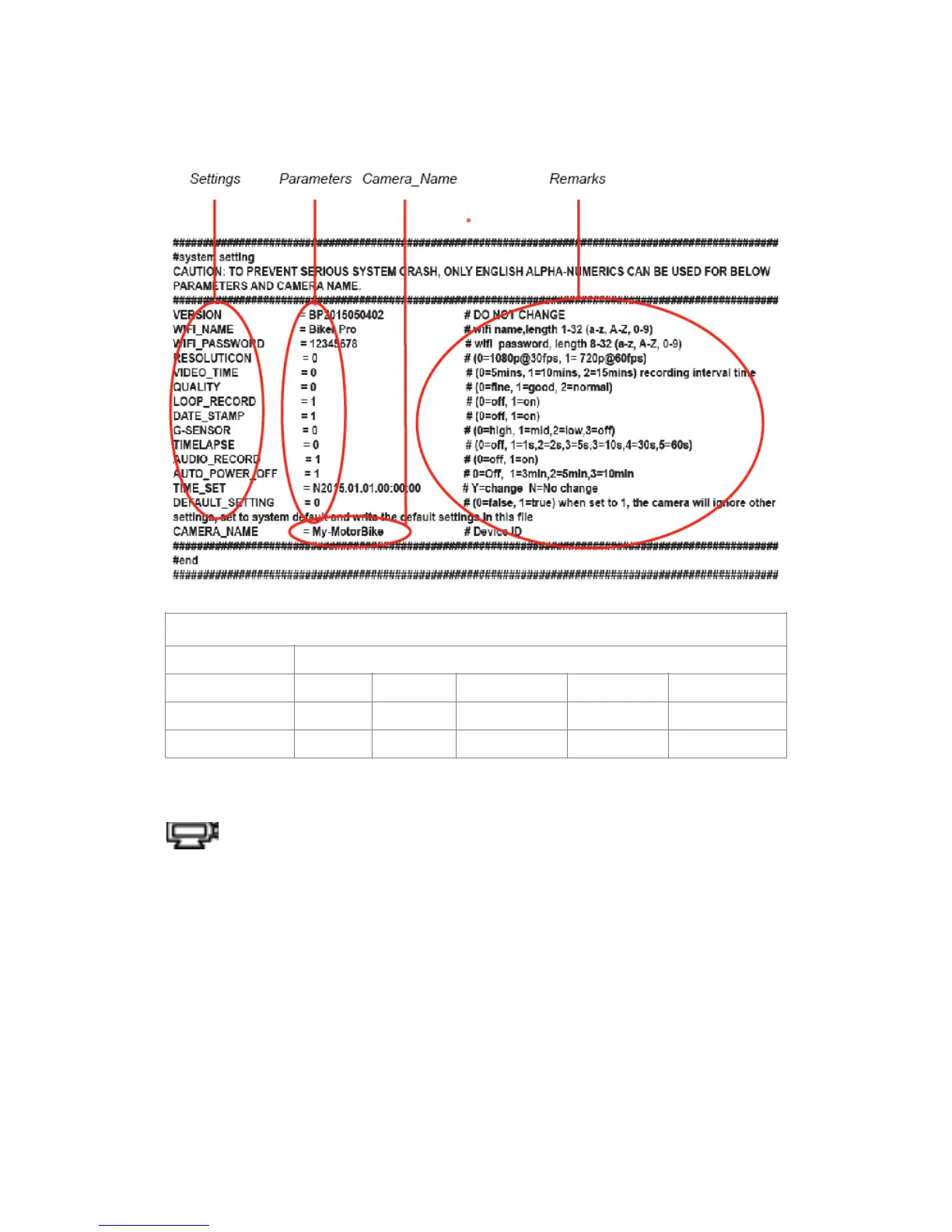
Loop Recording
This special feature allows the user to continuously record the video clips without running out of
storage memory. When Loop ON mode Is selected, the oldest video clips are recorded over by
the current videos. If this feature is set OFF, the camera will shut down automatically 1 minute
after the memory storage on the card is full. This extra time interval allows the user to download
the files or watch in preview mode (streaming) or perform any other menu functions using built-
in Wi-Fi.



 To Next Page