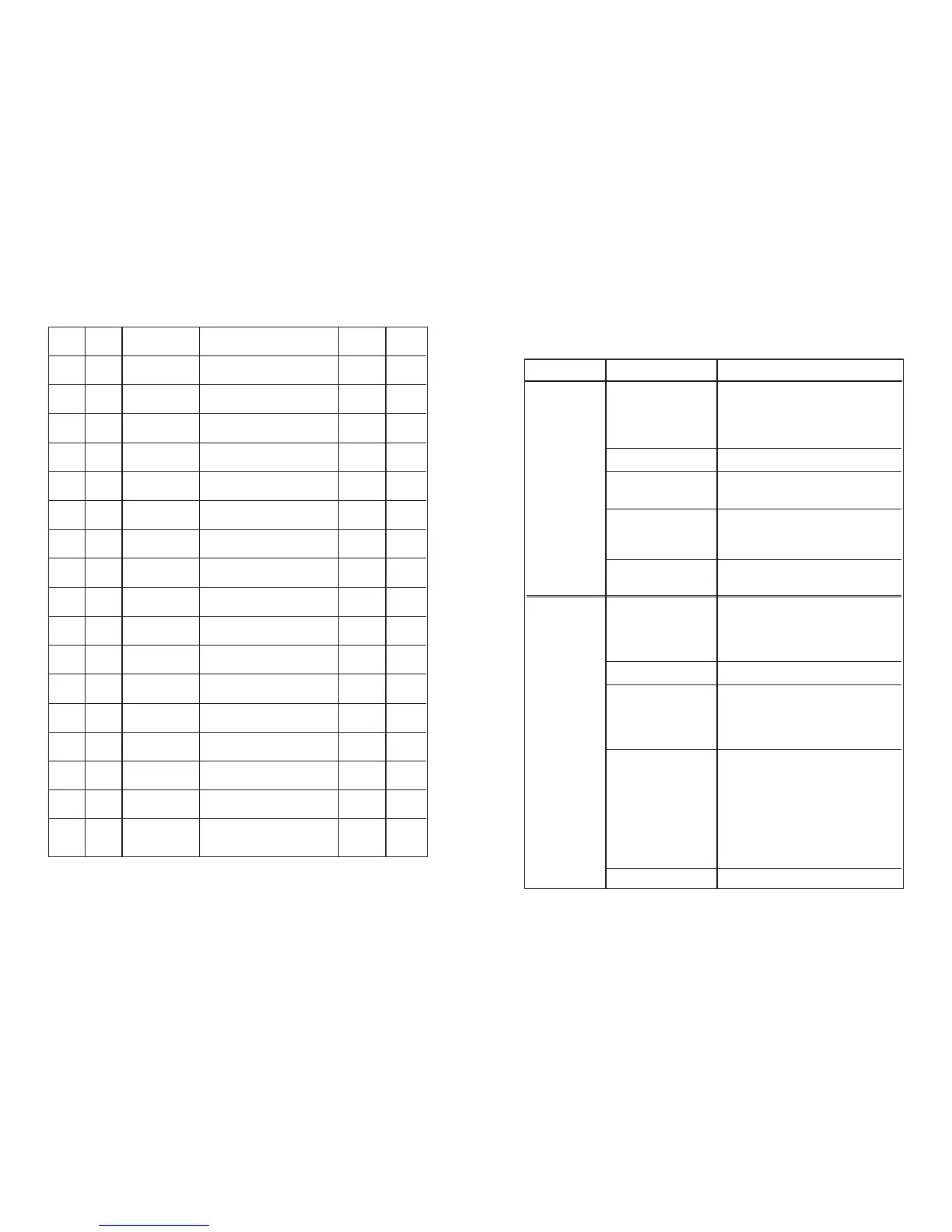
DATE TIME EVENT ACTION REQUIRED
D
ATE
INITIALS
C
OMPLETED
USER CODE BUTTON ACTION
3545 1 – Reset Return the system to a normal condition after
a fire or fault has occurred. This should only
be performed when the fire or fault has been
identified and alarms have been silenced.
2 – Silence Buzzer Stops the sounding of the internal buzzer.
LEVEL 2a 3 – Silence Alarms Turns off the fire alarm sounders after the fire
condition has been identified.
4 – Evacuate Activates the fire alarms sounders to evacuate
the building. Other outputs will not be
triggered.
5 – Lamp Test Illuminates all the leds and operates the
internal buzzer. Resets after about 3 seconds.
5344 1 – Reset Return the system to a normal condition after
a fire or fault has occurred. This should only
be performed when the fire or fault has been
identified and alarms have been silenced.
2 – Silence Buzzer Stops the sounding of the internal buzzer.
LEVEL 2b 3 –Walktest Allows detectors and callpoints to be tested
on the zones. The sounders will sound for 1
second then reset. Zones in test condition are
indicated on the panel.
4 – Disable Allows zones & alarms to be disabled if a fault
occurs or work is being carried out in an area.
This does not affect the operation of any other
zones. Select as follows:
Enter code
5344 and Press 4
3 - Moves flashing light to the required zone.
4 - Selects/deselects the zone/alarm.
5 - To exit the function
5 – Exit Exit from Level 2b function
QUICK USER GUIDE FOR 1, 2 & 4 ZONE FIRE PANELS



 To Previous Page