31
11 SETTING SETPOINT PARAMETERS
11.1 SETTING SETPOINT VALUES WITH THE KEYPAD
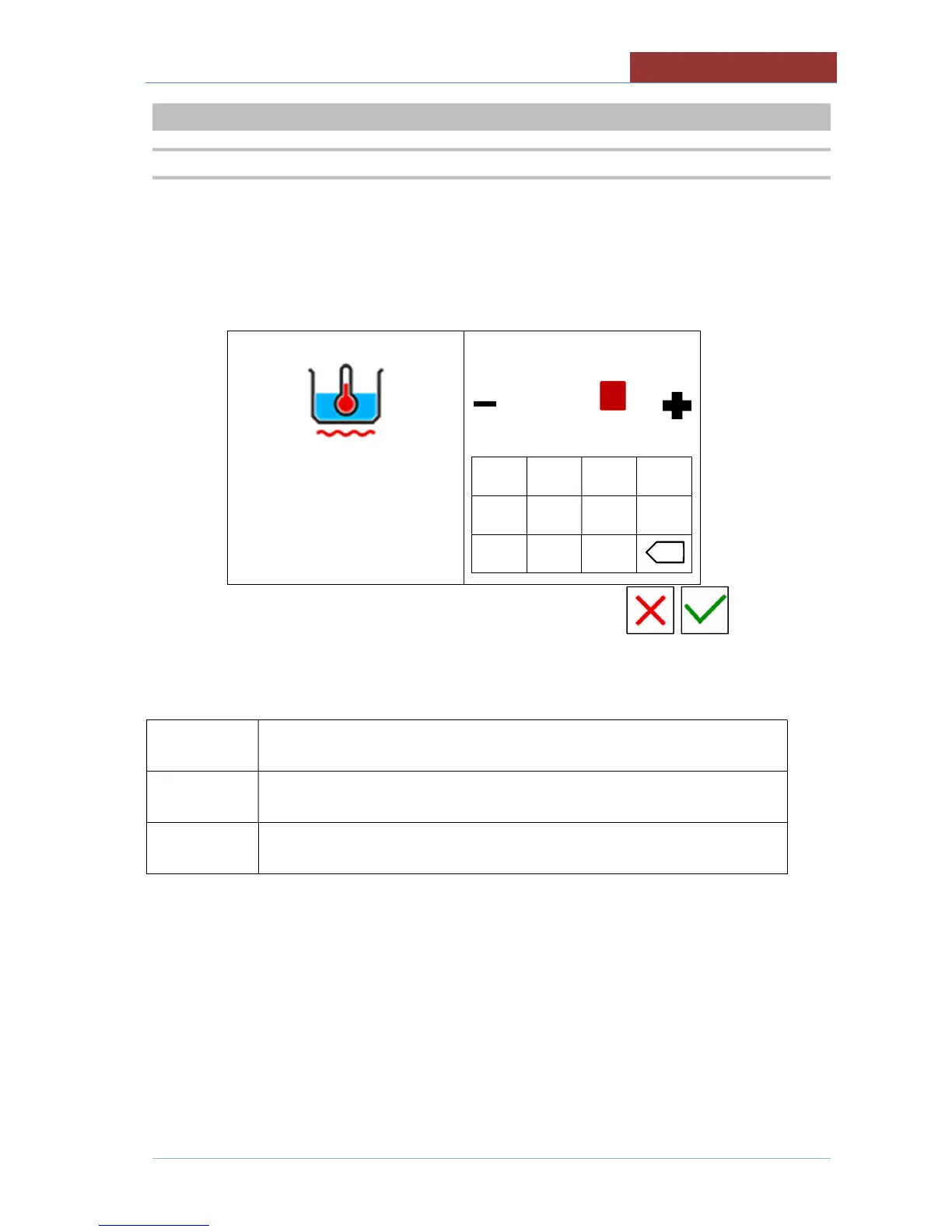
The following screen appears when setting any setpoint value:
left column: parameter of which you are changing the setpoint value.
right column: keypad + cursor for changing the setpoint.
100°C
20°C 120°C
min max
-------------------
1 2 3 4
5 6 7 8
- 9 0
Fields in the left column have the following meanings:


 To Next Page
 Loading...